1
GE SRTP OPC Server Manual
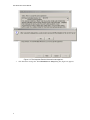
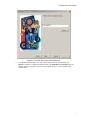
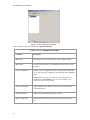
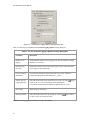
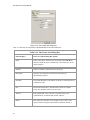
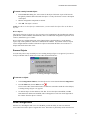
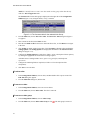
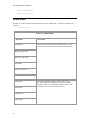
Figure 3-10. The Create New dialog box.
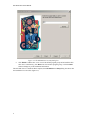
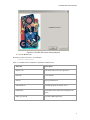
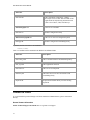
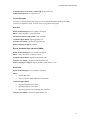
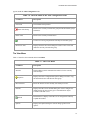
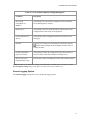
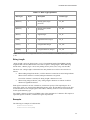
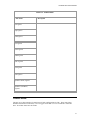
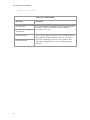
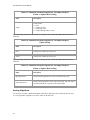
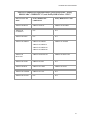
Table 3-14 describes the components of the Create new GE TCP/IP Channel box.
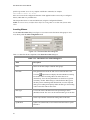
Table 3-14. The Create New Dialog Box
26
Selected Object
Insert New Object Dialog Box Options
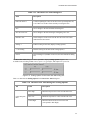
Name
Name of the object, which becomes an element of the item ID for
data items under the object. Automatically converted to title case for
display purposes.
Enabled
Enables or disables communication for the object.
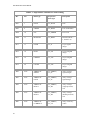
Description
Optional, user-defined text (64-character maximum) for
documentation purposes.
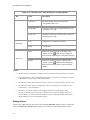
Hostname
The TCP/IP hostname (or IP address) of the PLCs TCP/IP interface to
communicate with.
Port
Port number that the PLCs TCP/IP interface listens on. Default:
18245. This should be sufficient in most cases.
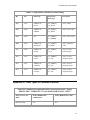
Timeout
How long the OPC server waits for a response on any given
communications, in milliseconds. Default: 3000 ms.
Retries
How many times the OPC server attempts to retry a read or write
operation before failing the communication operation. Default: 3.