1
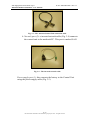
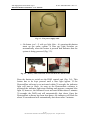
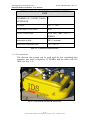
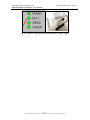
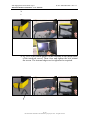
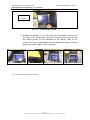
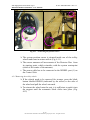
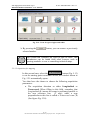
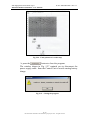
IDS Ingegneria Dei Sistemi S.p.A. DETECTOR DUO SYSTEM – User manual N doc: MN/2009/028 - Rev. 1.1 Fig. 3.5 – The power supply cable On button (red – 5) with spy light (blue - 6): pressing this button starts up the entire system. A blue spy light switches on automatically when the button is pressed and indicates that the system is being powered (Fig. 3.2). Fig. 3.6 – Battery cable connection for the notebook PC and the DAD Press the button to switch on the DAD control unit (Fig. 3.6). This button has to be kept pressed until a blue light appear. If the DetectorDuo software is not activated within 30 seconds, the indicator light will start to flash. As soon as the DetectorDuo software is activated the indicator light stops flashing and appears a constant blue light. If, however, the Software is not activated within about 2 minutes 30 seconds, the DAD unit will automatically shut down. Once the DetectorDuo software has been shut down, the indicator will flash for about 30 seconds and will automatically shut down after 2 minutes. 21 / 80 All information contained in this document is property of IDS. All rights reserved