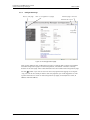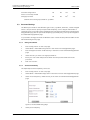
1
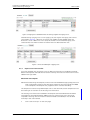
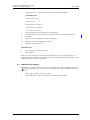
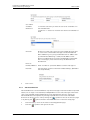
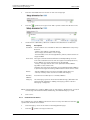
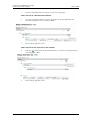
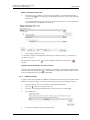
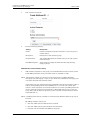
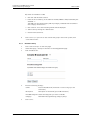
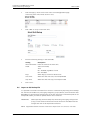
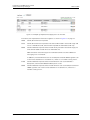
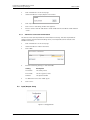
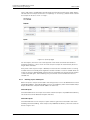
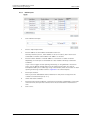
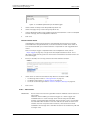
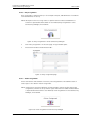
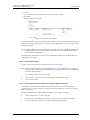
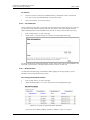
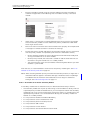
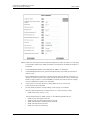
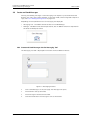
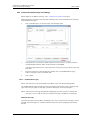
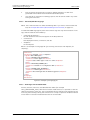
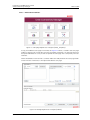
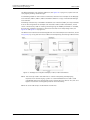
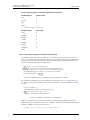
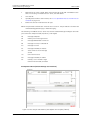
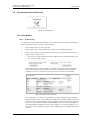
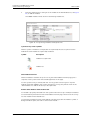
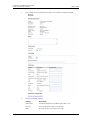
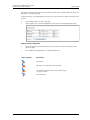
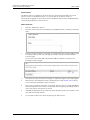
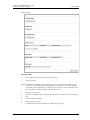
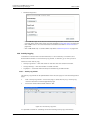
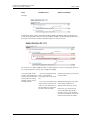
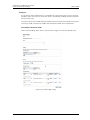
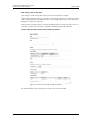
Installation and Operation Manual Unite Connectivity Manager TD 92735EN 4 Click an existing language link to create or update languages. An XML file is generated from Unite CM and a File download window opens. 5 Save the file for translation or editing purposes. The file can be saved in any name during the translation. 22.1.2 Translate/Edit the Language NOTE: This translation does not affect the NetPage GUI. If you want to translate the that GUI, see Example GUI index4 (default NetPage User Interface) on page 177. In the downloaded language file, there are numerous tags but only the translation of two tags and one attribute are mandatory: • <language id=”English”> the “id” attribute is the text that appears in the drop-down list • <translation> text displayed in menus, on buttons, tabs etc. • <helptext> on-line help text Below is an example of a language file (just showing two buttons with helptext, for simplicity). Figure 55. <?xml version="1.0" encoding="ISO-8859-1"?> <translations> <language id="English" type="complete"> <app id="Alarm Manager"> <text id="ACTION_TYPE_SELECTOR"> <translation>Action Type</translation> <helptext>Select which type of action to take.</helptext> </text> <text id="ACTIVATE_EHCONF_OK"> <translation>Activation of configuration OK.</translation> </text> <text id="ALARM_TYPE_SELECTOR"> <translation>Alarm Type</translation> <helptext>The alarm type that should be triggered. </helptext> </text </app> </language> </translations> Figure 69. Example of a language file. 22.1.3 Show Pages in Translation Mode All texts, buttons, menus etc. are identified with labels (for example TEXT_TRANSLATION_TITLE). With the translation mode function, it is possible to view the label for each button, menu etc. This can be helpful when translating the language file. For not losing one’s bearings during the translation it is a help to open two windows and view one of them in translation mode and the other in normal mode. 06 March 2013 / Ver. I 168