1
Installation and Operation Manual
Unite Connectivity Manager
4
TD 92735EN
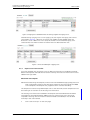
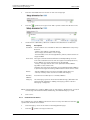
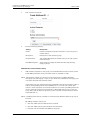
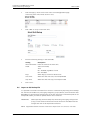
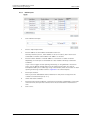
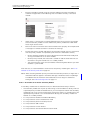
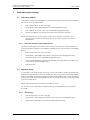
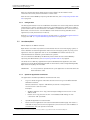
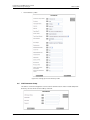
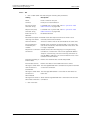
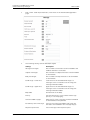
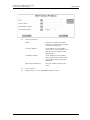
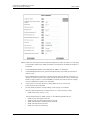
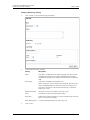
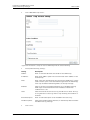
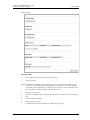
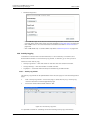
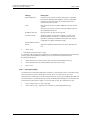
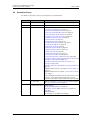
Category description:
Description of the category (will be shown in the
configuration). Added automatically if the category is
selected in the “Category available to fetch” drop-down
list.
IP Address:
The IP address of the module that should handle
messaging in the category. Added automatically if the
category is selected in the “Category available to fetch”
drop-down list.
Service:
The service on the module that handles the message. The
name of the service running on a module is found in the
System Overview page if the module is surveyed.
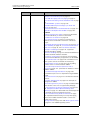
Service Extension:
(optional)
Optional addressing information. For example used to add
System 900 category information, where the Service
Extension is set to “category=X”, X represents the System
900 category A to J.
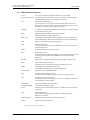
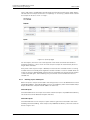
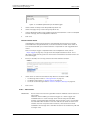
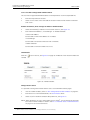
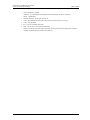
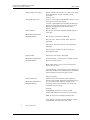
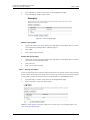
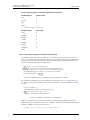
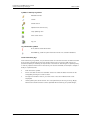
Properties:
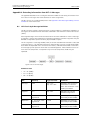
) and Multicast (
) can be selected if the
Broadcast (
category has any of those capabilities.
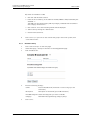
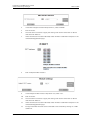
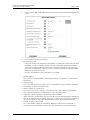
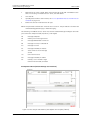
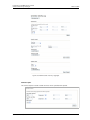
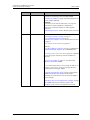
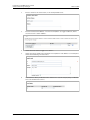
Click “Save”.
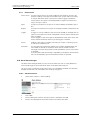
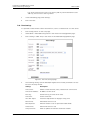
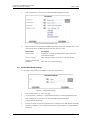
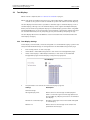
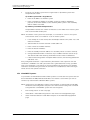
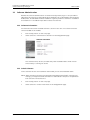
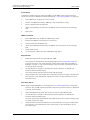
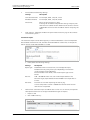
20.5.1 Edit or Delete a Category
1
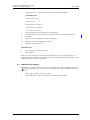
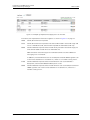
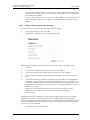
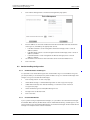
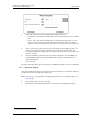
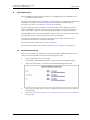
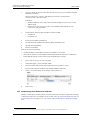
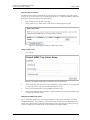
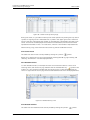
Click Messaging > Categories on the Configuration page.
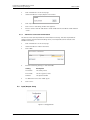
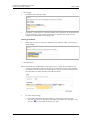
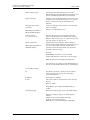
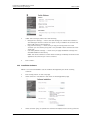
• Edit:
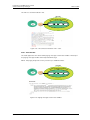
1 Click the
symbol to the right of the Category you want to edit.
2 Make your changes and click “Save”.
• Delete:
1 Click the
symbol to the right of the Category you want to delete.
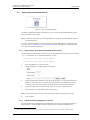
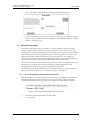
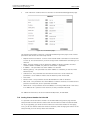
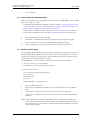
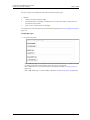
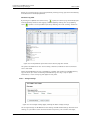
20.6 Add S900 Composite Category for Multi-Site Paging
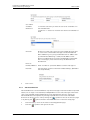
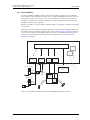
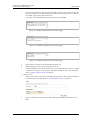
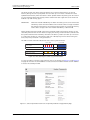
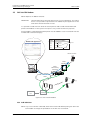
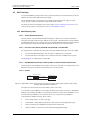
It is possible to map several S900 sites to one and same composite category, where each
S900 site is represented by an IP-address. The composite category can be used for an S900
paging handset that moves between several sites.
S900 Site A
S900 Site B
Call ID: 1000
LAN
952T
T942C
Transmitter Central
Unit
Unite CM
(with number plan and
composite category)
10.30.4.1
Unite CM
10.30.1.2
T942C
952T
Central Transmitter
Unit
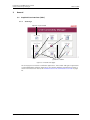
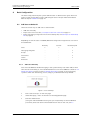
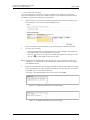
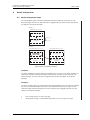
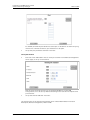
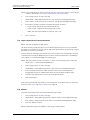
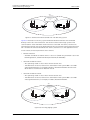
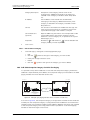
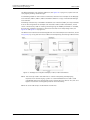
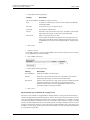
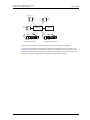
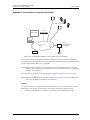
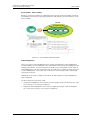
Figure 68. Example of a paging handset that is used on several sites.
As shown in Figure 68, the composite category is configured on the Unite CM that holds the
number plan. The composite category is configured with the IP-addresses to the Unite CMs
located on each site. The paging handset (Call ID 1000) is added as messaging user mapped
to the composite category. This configuration makes it possible for a user of the paging
handset to receive messages on both sites.
06 March 2013 / Ver. I
162