1
Remote Interface
Operation
3.8.4
Introduction
Characteristics
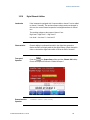
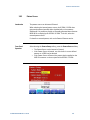
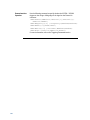
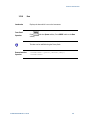
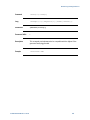
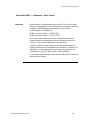
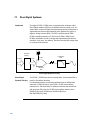
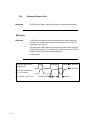
:FREQuency[1|2] {<frequency>|MINimum|MAXimum}
You can also use the APPLy command to select the function, frequency,
amplitude, and offset with a single command.
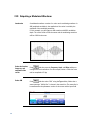
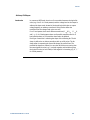
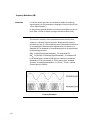
Modulating Waveform Shape
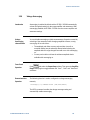
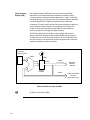
The 81150A / 81160A will accept modulation from an internal or external
modulation source. In case of internal modulation, the modulation signal can
be the „other channel‟ (2 channel instrument only) or the internal modulation
source of the modulated channel.
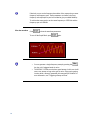
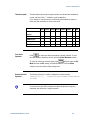
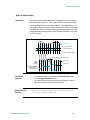
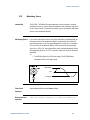
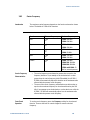
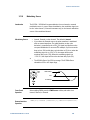
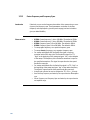
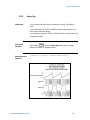
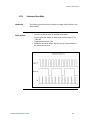
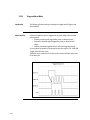
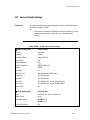
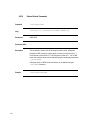
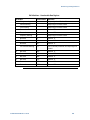
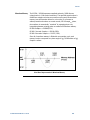
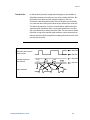
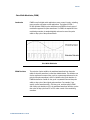
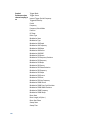
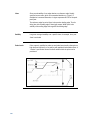
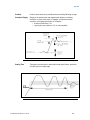
Modulating waveform shape (internal source): Sine, Square, Ramp,
Negative Ramp, Triangle, Noise, or Arb waveform. The default is
Sine.
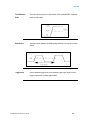
Square has 50% duty cycle
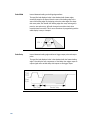
Ramp has 100% symmetry
Triangle has 50% symmetry
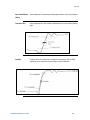
Negative ramp has 0% symmetry
You can use noise as the modulating waveshape, but you cannot use
noise, pulse, or dc as the carrier waveform.
If you select an arbitrary waveform as the modulating waveshape, the
waveform is automatically limited to 16K points. Extra waveform
points are removed using decimation.
196
Front-Panel
Operation
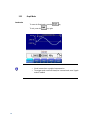
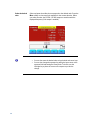
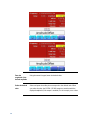
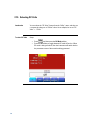
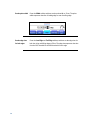
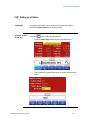
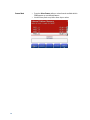
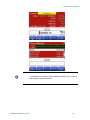
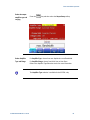
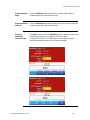
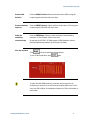
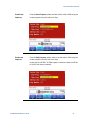
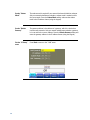
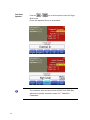
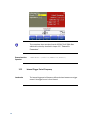
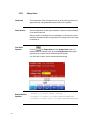
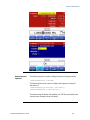
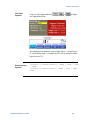
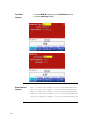
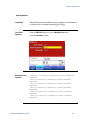
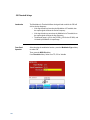
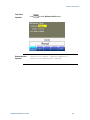
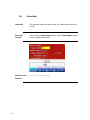
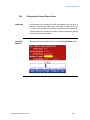
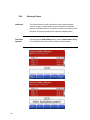
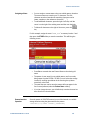
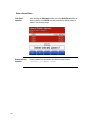
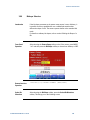
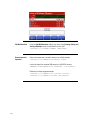
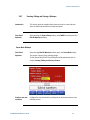
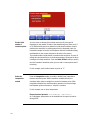
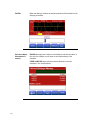
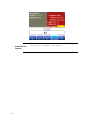
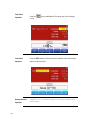
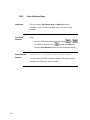
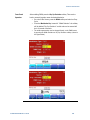
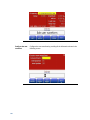
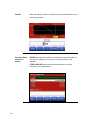
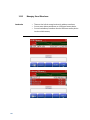
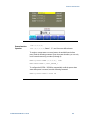
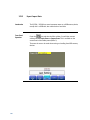
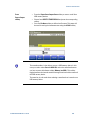
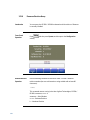
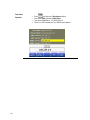
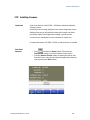
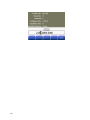
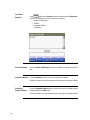
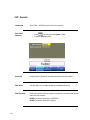
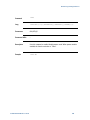
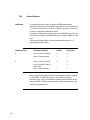
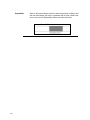
After enabling FM, press the FM Shape softkey.
Remote Interface
Operation
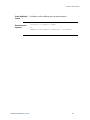
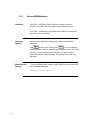
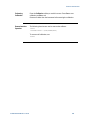
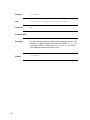
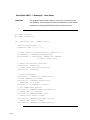
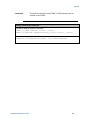
:FM[1|2]:INTernal:FUNCtion{SINusoid|SQUare|RAMP|
NRAMp|TRIangle|NOISe|USER}