1
SIMoN InfoShare – User Manual
Save and quit
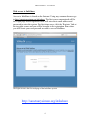
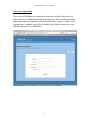
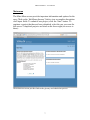
During your session in InfoShare you may click the “Logout” link at the top
of any screen. This will end your session and return you to the Login screen.
If you were entering metadata on a form, be sure to click “Submit” first to
save recent changes. Then you can safely click on “Logout” to exit
InfoShare.
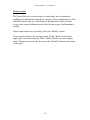
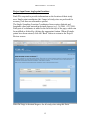
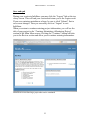
When you return to continue entering project information, you will see the
title of your project in the “Continue Submitting a Monitoring Project”
section of the Main Menu screen. Clicking the “Continue” button will take
you to the Review section and allow you to continue entering information.
Main Menu screen showing a project that can be continued.
23