1
ProPresenter 4 for Windows User Manual
Showing a DVD
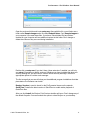
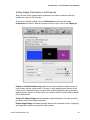
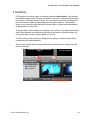
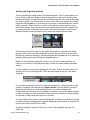
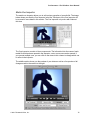
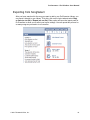
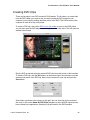
To play DVD clips you can click on the thumbnail of the clip directly in the DVD menu or
you can Control-click on the clip and drag it into a presentation or directly to a playlist the
same way you would any other piece of media in ProPresenter. If you click on a clip in
the DVD player itself the clip will be shown full screen on your display devices or, if none
are connected, it will play in the DVD player window. When you click on a clip in a
presentation or playlist it will play the same way other media clips do.
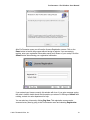
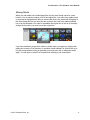
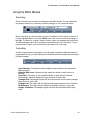
If you wish to show a large section of the DVD but donʼt want to create an individual clip
for the section, you can cue the portion of the DVD you want to show then click on the
full screen button located next to the eject button in the lower left corner of the DVD
player.
© 2011 Renewed Vision, Inc.!
97