1
www.brilliantechnology.com
IMAGE FREEZE
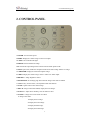
The freeze function allows you to discretely prepare the next image without interrupting current
presentation. Use "FREEZE" to freeze and unfreeze the image.
IMAGE MIRROR
The mirror function gives you a different perspective of an object.
SPLIT SCREEN
The split screen offers the capability of comparing two images or comparing two different views
of one object side by side.
IMAGE SAVE
The i-3080 offers the opportunity of storing 12 images on board. You can recall them by just
pressing one of the numerical buttons on the front panel or remote control.
IMAGE RECALL
By pressing the “Recall” button, all saved images is displayed in the thumbnail index mode for easy
selection.
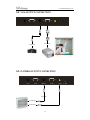
MULTIPLE INPUTS AND OUTPUTS
The VGA input allows you to connect a computer into the i-3180 and display the computer image
by the touch of a button. i-3080 also has built-in C-Video and S-Video output terminals, which
can display the CMOS image to a connected video display device.
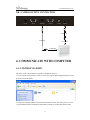
USB 2.0 PORT
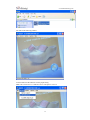
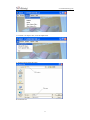
The USB port offers the function of capture still images and stream videos into a connected
computer. No additional computer hardware is required. In this way, the i-3080 can be used as a
3-D scanner for your computer. Connect the i-3080 to your computer with the supplied USB cable.
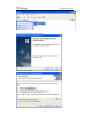
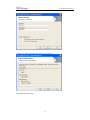
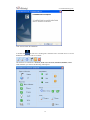
The i-3080’s software is available on the supplied CD-ROM.
21