1
EN Remote control
1.
4.
5.
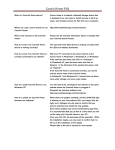
Using EPG (Electronic Program Guide)
Click “EPG” button on Main TV window, following
screen will appear:
6.
2.
3.
Click < > buttons to navigate between days, use ∧∨
buttons to scroll up/down channel list. Click on selected item to show detailed info. Following screen will
appear:
1. MUTE: enable/disable mute function.
2. VOL: volume control.
3. CH: channel up/down control.
4. ZOOM: enable/disable full screen mode.
5. POWER: start/close application.
6. Numeric keypad: to enter channel number directly.
8