1
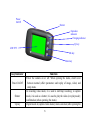
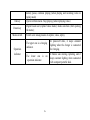
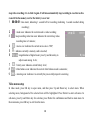
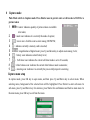
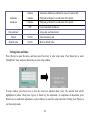
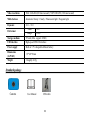
OK key
Down key
Mode switch
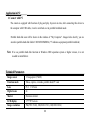
Operation
indicator
menu); pause, continue playing (when playing and recording video in
replay mode)
Open/exit from menu. Stop playing (when replaying video)
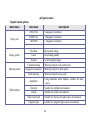
Digital zoom out (capture/video mode); menu selection (after opening
the menu);
Switch over among modes of capture, video, replay
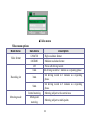
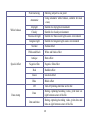
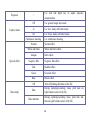
The upper one is a charging
indicator.
The lower one is
operation indicator.
an
6
In power-off state, it keeps constant
lighting when the charger is connected
for charging.
It flashes once during capturing, and it
keeps constant lighting when connected
with computer portable disk.