1
Podium Data Analysis Software
User Manual
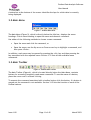
A status bar at the bottom of the screen identifies the laps for which data is currently
being displayed.
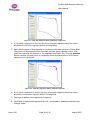
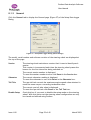
3.2 Main Menu
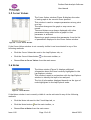
Figure 5 - Podium Main Menu
The Main Menu (Figure 5), which is directly below the title bar, displays the menu
headings. Click a menu heading to open the menu and choose a command.
Use either of the following methods to choose a menu command:
•
Open the menu and click the command, or
•
Open the menu, use the Up arrow or Down arrow key to highlight a command, and
then press <Enter>.
In addition, each menu may be opened by pressing the <Alt> key and then pressing the
key associated with the required menu. Section 3.12 lists all the available menu
commands.
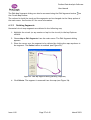
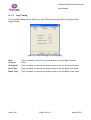
3.3 Main Toolbar
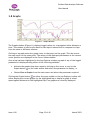
Figure 6 - Podium Main Toolbar
The Main Toolbar (Figure 6), which is located directly below the Main Menu, contains
buttons for accessing frequently used menu commands. To see the name of a button,
place the cursor over it without clicking.
To execute the command associated with a toolbar button click the button. If a button is
greyed out the command is not available. Section 3.12 lists the function of each of the
toolbar buttons.
Issue 1.00
Page 11 of 45
March 2003