1
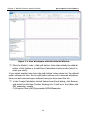
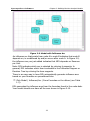
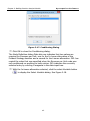
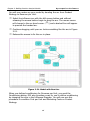
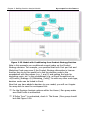
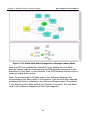
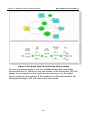
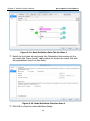
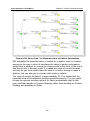
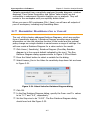
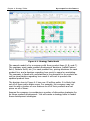
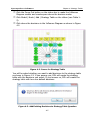
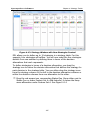
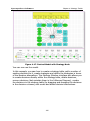
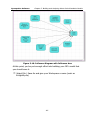
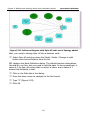
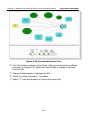
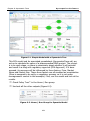
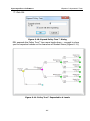
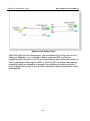
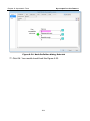
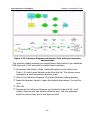
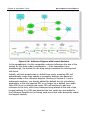
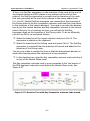
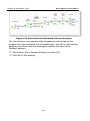
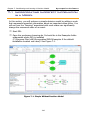
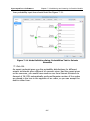
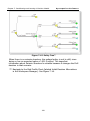
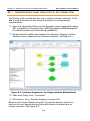
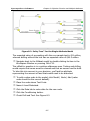
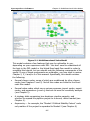
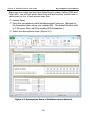
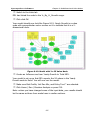
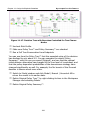
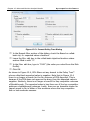
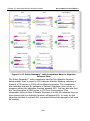
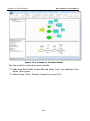
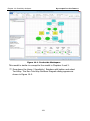
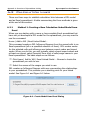
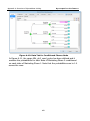
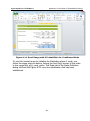
Chapter 9: Multidimensional Value Node Syncopation Software 9.1 Creating and Linking a OneDimensionalValue Node This section contains brief tutorials on setting up one-dimensional Excellinked array and series value nodes in DPL. One-dimensional Excel-linked arrays and series can be either import or export nodes. The tutorial will look at an example of a one-dimensional array import node, a series import node and a series export node. 9.1.1 A One-Dimensional Import Node You will begin by examining a model of a decision about a gas pipeline investment. Select File | Open. Select Multidimensional Value.da and click Open. You should see the Energy Model as depicted in Figure 9-1. Navigate to the Examples folder where you installed DPL. The default location path is C:\Program Files (x86)\Syncopation\DPL8\Examples. 254