1
Data Entry
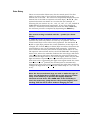
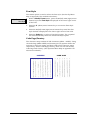
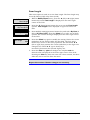
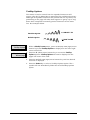
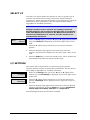
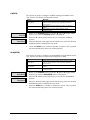
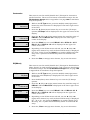
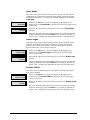
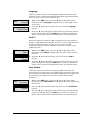
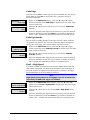
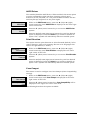
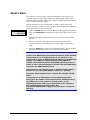
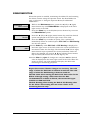
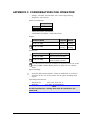
There are two modes of data entry for the control panel. The first
mode is to select from a list of several options displayed on the
bottom line of the LCD. The entries are sequentially displayed on the
bottom line of the LCD in response to browse keys ( ◄ and ► .) The
optional selections are shown as a circular list. For example, in
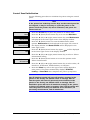
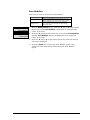
selecting CPI, the choices 10, 12<, 13.3, 15, 16.7, 17.1, 20, and XX.X
USER SET will be displayed sequentially. If one of the displayed
values (i.e. numbers) are selected (other than the XX.X USER SET)
the selection process is completed by depressing the Select key.
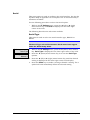
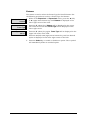
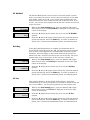
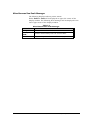
Note
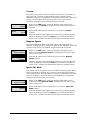
The current setting is marked with the < symbol (12< shown
above.)
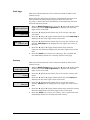
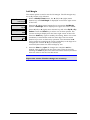
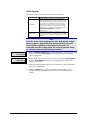
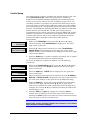
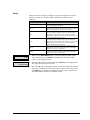
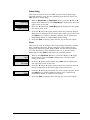
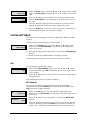
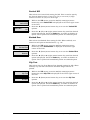
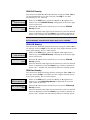
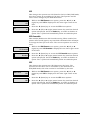
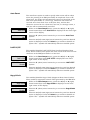
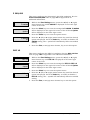
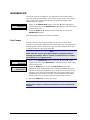
In USER SET mode the display switches to a format where the
operator may enter any value 0 to 9 for any “X” position. The four
menu browse keys revert to data entry operation. The horizontal ◄
►(left or right) keys position the cursor (underline) to the digit to be
changed; the vertical ▲▼(up or down) keys increment/decrement the
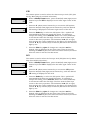
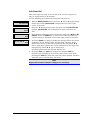
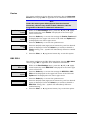
selected digit by one. In the example used previously, 12 CPI was
active when the selection process was entered (shown above as 12<).
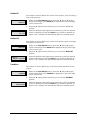
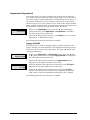
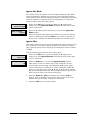
The operator selected from the list, the XX.X USER SET. The display
shows 12.0, where the underline indicates the active digit, and where
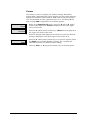
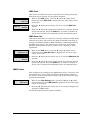
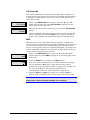
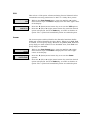
12.0 is the current CPI value. Depressing the up menu browse key
increments that digit from 12.0 to 22.0 or higher, where only the first
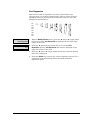
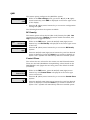
digit increments. Depressing the right arrow key moves the cursor
from 22.0 to 22.0. Depressing the right arrow again moved the cursor
from 22.0 to the 10th position (the decimal point is automatically
skipped over) from 22.0 to 22.0. Depressing the right down arrow key
changes the digit from 20.0 to 20.9 (the values wrap 0 1 2 3 4 5 6 7 8
9 etc).
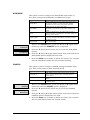
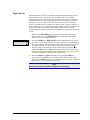
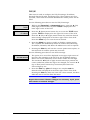
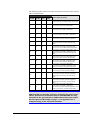
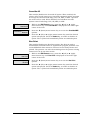
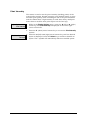
Note
Since the four menu browse keys are used to make this type of
entry, use the Select key or CLEAR key to exit this type of data
entry. If the Select key is pressed, the display shows the
selection as from above: 22.9 USER SET. If the CLEAR key is
used, the menu entry jumps back to the previous (higher) level
showing XX.X User Set as above without changing the CPI.
GEK-00028C
17
Chapter 2. Getting Started