1
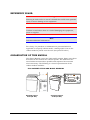
OPERATION OF THE CONTROL PANEL
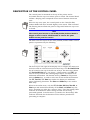
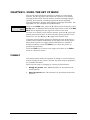
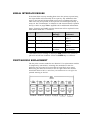
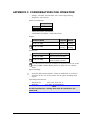
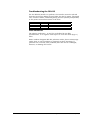
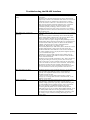
The primary use of each key is printed beside the button itself.
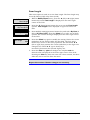
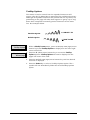
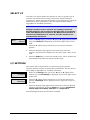
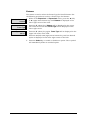
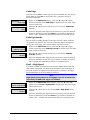
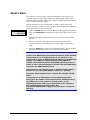
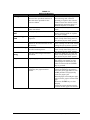
Pressing the On Line/Off Line key causes the printer to toggle between
online and offline operation. Offline operation allows access to the
menu functions. The On Line key is also a shortcut to the top of the
menu tree.
On Line
Off Line
Pressing the ↑ key moves paper up incrementally.
Pressing the ↓ key moves paper down incrementally.
TOF
FO RM AT
FF
Tear O ff
View
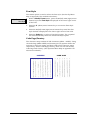
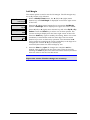
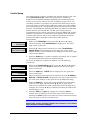
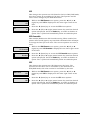
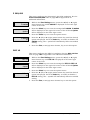
Pressing the TOF (Top of Form) key sets the top of form position on
the printer.
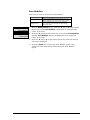
Pressing the Format key allows the operator to select from up to ten
stored formats. The key is repeatedly pressed until the desired set up
format is being displayed, press the Select key to activate the selected
format.
Pressing the FF key moves paper to next top of form according to the
top of form set for the printer.
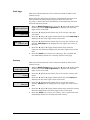
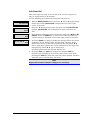
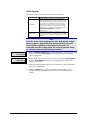
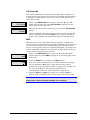
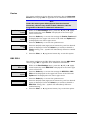
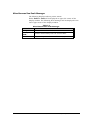
Pressing the Tear Off key advances the paper to the selected tear
position and will auto retract to the selected retract position after 15
seconds. Pressing the tear off key any time within that 15 second
wait period will retract the paper to the selected retract position. The
printer will emit three beeps prior to retracting the paper.
Pressing the View key advances the paper such that the last printed
line is visible in the top cover window. Pressing the View key a second
time will return the paper to the last print position. Receipt of any
data will also retract the paper to the print position.
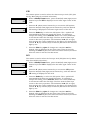
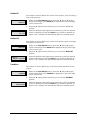
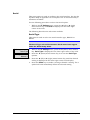
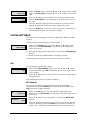
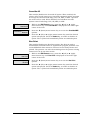
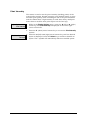
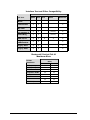
Press the Clear key to exit or backup data entry and selection levels.
Clear
Press the Select key to enter or select data entry.
Select
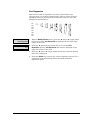
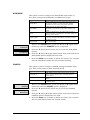
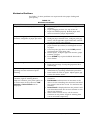
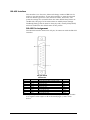
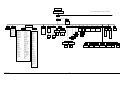
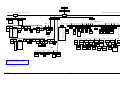
Pressing the menu browse keys allows navigation of menu selections.
Press the ◄ (left) or ► (right) menu browse keys allows navigation of
menu selections laterally within the same level. Pressing the ▲ (up)
or ▼ (down) menu browse keys allows navigation up or down a level
of menus. While in a user set option, these keys are used for data
entry.
5180 User’s Manual
16
GEK-00028C