1
3 ST PROGRAMMING
MELSOFT
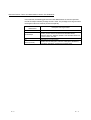
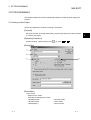
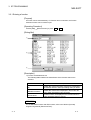
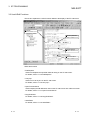
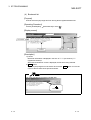
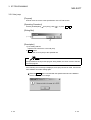
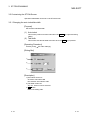
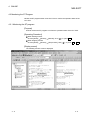
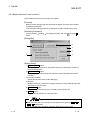
2) PLC Type
Select the PLC CPU type to be used.
3) Label setting
Make this setting when creating a label program.
4) Program type
Set the program type to be created.
To select "ST", "Use label" must be set in the label setting.
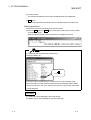
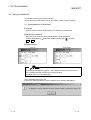
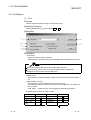
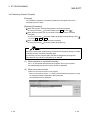
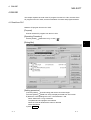
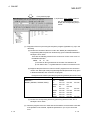
[Setting procedure]
3
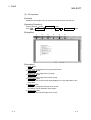
i) As the PLC series, set the QCPU (Q mode).
ii) As the PLC type, set the PLC CPU to be used.
iii) As the label setting, set "Use label".
iv) As the program type, set "ST".
v) Set "Setup project name" and click the OK button to create a new project.
"Setup project name" can either be set before or after program creation.
REMARK
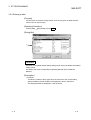
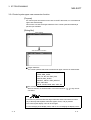
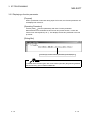
The precautions for reading and copying the project will be explained.
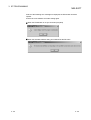
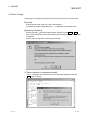
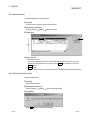
Reading the project
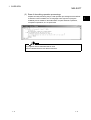
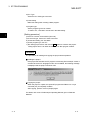
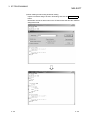
If the project that includes the ST program is read using GX Developer Version 7
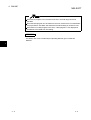
or earlier where the ST language function is not installed, the following message
is displayed and the project cannot be read.
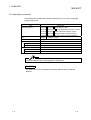
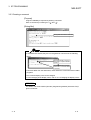
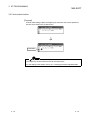
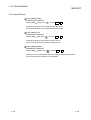
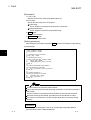
Copying the project
When the project is copied, the copied ST program and FB are in a not yet
converted (not yet compiled) condition.
After copying, perform convert (compile) again.
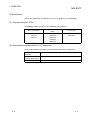
For details, refer to the "GX Developer Operating Manual" given in Relevant
Manuals.
3-2
3-2