1
4 ONLINE
MELSOFT
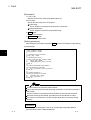
GX Simulator Ver6.16S or later is required to use debug function.
For details of GX Simulator, refer to GX Simulator Operating Manual.
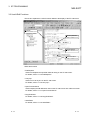
Debug is disabled when connected to PLC CPU
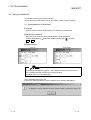
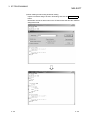
4.6.2 Starting/Ending debug function
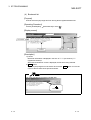
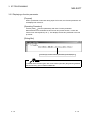
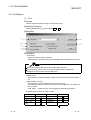
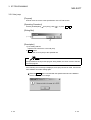
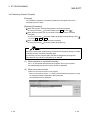
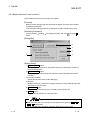
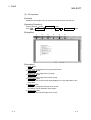
[Purpose]
Start/End debug of the ST program.
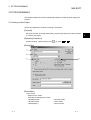
[Operating Procedure]
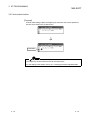
Choose [Online]
[Debug]
[Debug].
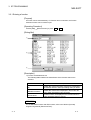
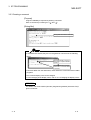
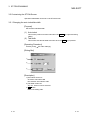
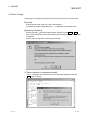
[Dialog Box]
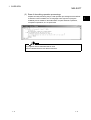
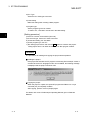
Start
Click Yes button to start debug function.
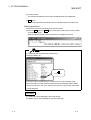
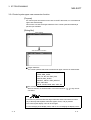
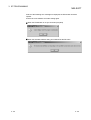
End
Click Yes button. This displays a message telling that debug status is canceled.
Click OK button to end debug function.
4 - 16
4 - 16