1
Display
User’s Manual
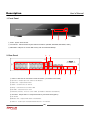
1. System Power ON
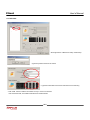
• Press Power Button to Start System
• After Checking Hard Disk, Need input Password to Operation [Default Password 1234]
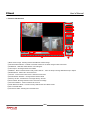
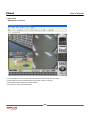
• Initial Screen View Mode is Quad Division Mode and Recording Mode
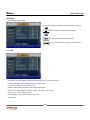
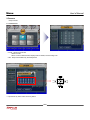
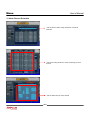
Picture for Power On after Finishing Installation
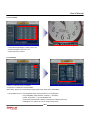
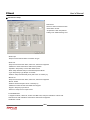
• Each Channel Indicate Camera Name & Recording Status
• Present Time & Date Indicate at Monitor Central Lower Side
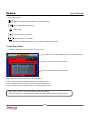
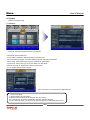
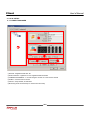
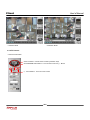
Check System Condition at LED
POWER : Showing System On/Off
RECORD : Showing Record On/Off
NETWORK : Showing Client Connection Status
(8)