1
7.4 Web Interface Settings
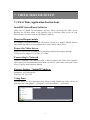
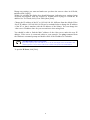
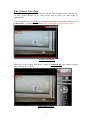
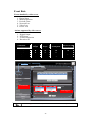
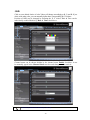
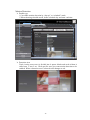
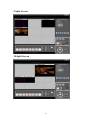
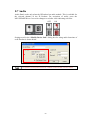
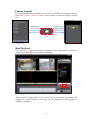
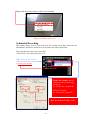
Video server with built-in web interface offers more advanced settings. On the main
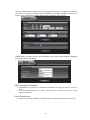
page, click icon located on the top-right corner to enter server setting page (Configure
Page).
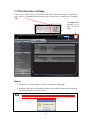
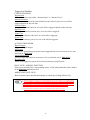
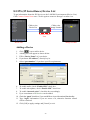
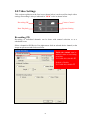
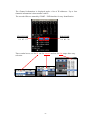
In Configure Page,
click this Icon to
return to Viewer
Page.
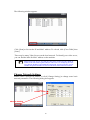
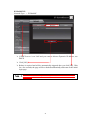
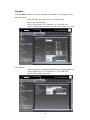
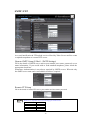
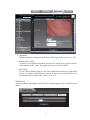
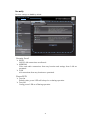
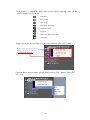
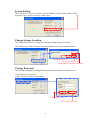
Click Status to view initial web configuration, hardware & firmware, and network status.
Status
¾ Initial view of web configure interface is shown on status page.
¾ Hardware & Firmware information along with network status such as current IP
and related details are clearly shown.
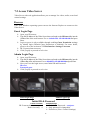
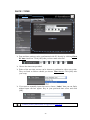
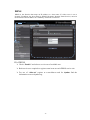
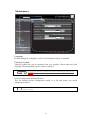
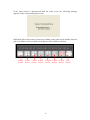
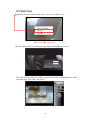
Remember to click [OK] after you have changed settings in a particular setup which has [OK]
button. After few seconds, a confirmation dialog box is displayed informing that settings have
been updated. Clicking [OK] will return to the previous page.
19