1
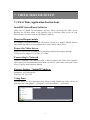
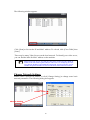
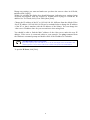
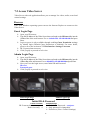
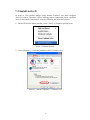
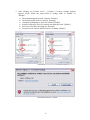
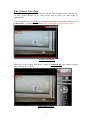
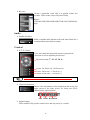
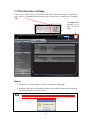
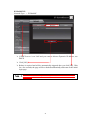
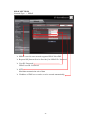
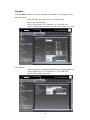
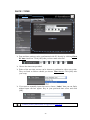
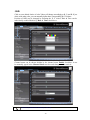
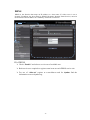
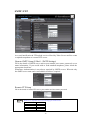
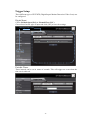
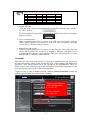
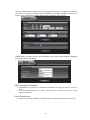
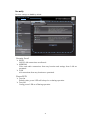
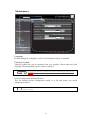
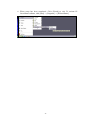
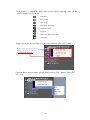
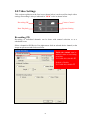
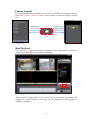
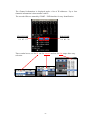
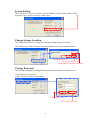
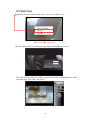
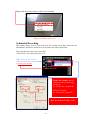
When DI event occurs, recording process will proceed only when the IP Device takes the signal by a sensor or a motion detector. When Motion event occurs, recording proceed only when the IP Device takes the signal by an internal motions detector. * For this function, the motion detection function must be activated. For detail information, please refer to Pg 32. Extensive recording schedules including each day of the week can be recorded as well including timing for each day. Right click on the Device Name provides easy means to select your options. Enable this schedule must be enabled, in order to record using record icon. Ex: Enable this schedule ; Default is Disable Ex: Enable this chedule 67