1
■
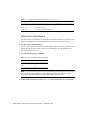
Single system — a standalone non-networked preinstalled system.
Deciding on the Installation Method
■
Automatic Installation. It is recommended that you use Automatic Installation.
This method ensures that all the files you will need for networked or nomadic
operation are copied to your system.
■
Interactive Installation. If, for any reason, the Automatic Installation failed or you
want to custom install the operating system, use Interactive Installation.
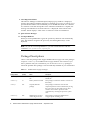
Arrange for Software Installation
Provide your system administrator with the installation instructions and CDs that
come with your software. Your system administrator will normally perform the rest
of the procedures in this chapter.
Software Installation
Software installation consists of the following steps:
1. Power on
2. Automatic or Interactive Solaris installation
3. Installation of SPARCstation Voyager Software Packages
How to Turn the Power On
Turning on your system for the first time is different from what will probably
become your normal procedure. You must be ready to install software and configure
your machine.
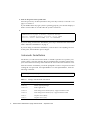
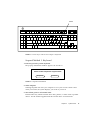
1. Plug the power cord into the AC input connector in the power supply and to the
wall socket.
See the SPARCstation Voyager User’s Guide for information on the different ways to
configure the power source for your SPARCstation Voyager.
2
Platform Notes: SPARCstation Voyager Software Guide • September 1998