1
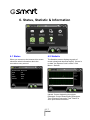
6. Status, Statistic & Information
6.1 Status
6.2 Statistic
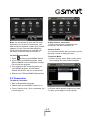
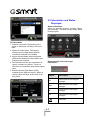
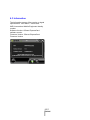
When you connect to the Internet, this screen
shows the whole information about the
connection every second.
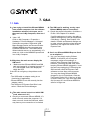
The Statistics screen displays a graph of
recent upload and download activity. If there is
no data, the Express Card is offline. Click
Menu > Statistic.
Upload: Current Uploading throughput.
Download: Current Downloading throughput.
Time: Elapsed Connection Time. Return to
zero upon the disconnection.
6-1
MD800