1
4. Configuration
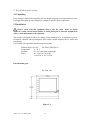
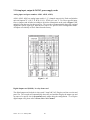
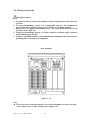
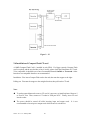
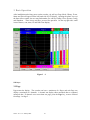
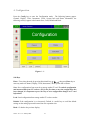
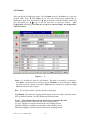
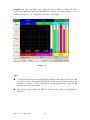
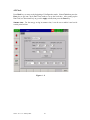
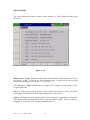
Press the Config key to enter the Configuration mode. The following buttons appear:
Channel, Display, Tools, Instrument, Clock, System Info and Demo. Meanwhile, the
following soft keys appear at the bottom: Save, Load, Default and Back.
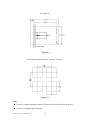
Figure 4 – 1
Soft Keys
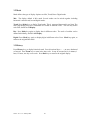
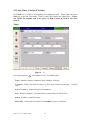
Enter: First select the mode by pressing directional keys↑↓← →, then press Enter key to
enter any mode of Channel, Display, Tools, Instrument, Clock, System Info or Demo.
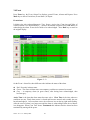
Save: Save configurations from recorder to storage media CF card. To read the configuration
and measured data from CF card on a PC for the first time or any time configuration has
been changed, it is important to press Save key to save configuration changes to CF card
beforehand.
Load: Load configuration from storage media CF card to recorder.
Default: If the configuration is set incorrectly, Default is a useful key to recall the default
settings on the analog input card inserted into rear expansion slot.
Back: Go back to the previous display.
VR18 - v2.0 - 1L: January 2005
33