1
4.1 Channel
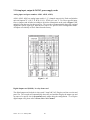
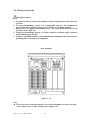
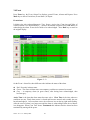
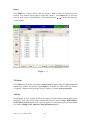
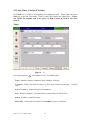
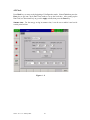
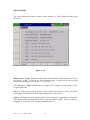
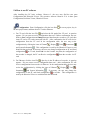
After entering the Configuration mode, select Channel and press the Enter key to get into
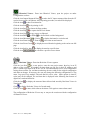
Channel mode. Press AI, DI, Math keys to select the Analog input, Digital input or
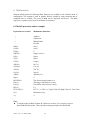
Mathematics input. Press directional keys〈 〉at the bottom to select the channel. Afterwards,
press directional keys ↑ ↓ ← → on the left hand side to select the column.
After
Configuration 4.1 to 4.6, press Back key to return to real-time display, all configurations
will be memorized.
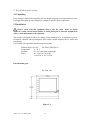
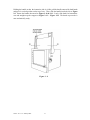
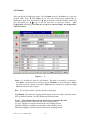
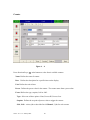
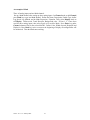
Figure 4 – 2
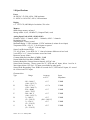
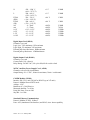
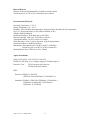
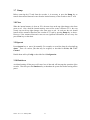
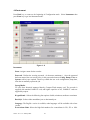
Name: It is to define the name for each channel. The name is retricted by six characters.
Press Enter, a keyboard and several keys appear. BackSP key means backspace, Select
key means to select a character or number, Caps on means characters in capital, and Caps
off means characters not in capital.
Desc: The description about a specific channel on the display.
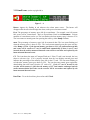
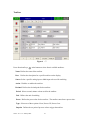
Log Method: The method of logging measured data. Select the column, and then choose
the Log method of Instant, Average, Minimum or Maximum data.
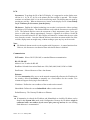
Disable: Select Disable while a specific channel is not required at this time.
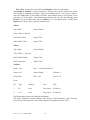
Instant: logging in the last measured data at the sampling interval
Average: logging in averaged measured data at the sampling interval
Minimum: logging in minimum measured data at the sampling interval
Maximum: logging in maximum measured data at the sampling interval
VR18 - v2.0 - 1L: January 2005
34