1
2.
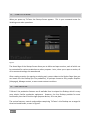
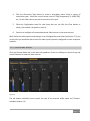
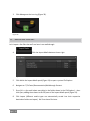
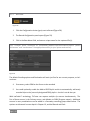
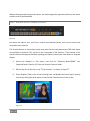
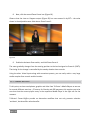
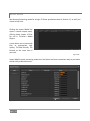
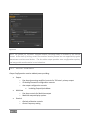
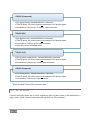
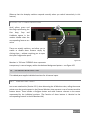
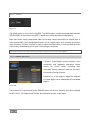
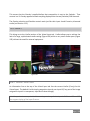
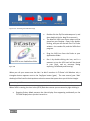
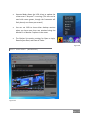
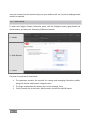
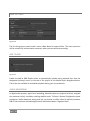
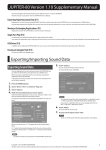
Click New (Connection)
3.
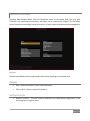
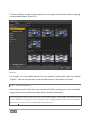
Select the option appropriate to the profile you wish to import in the popup Choose
Connection Type panel.
4.
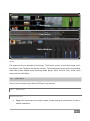
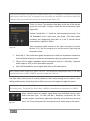
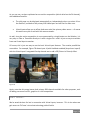
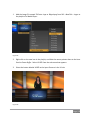
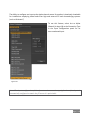
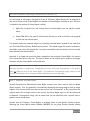
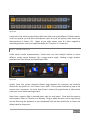
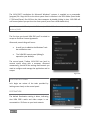
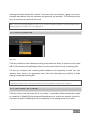
Click the Resolution drop down menu, and slide the pointer all the way down to the
bottom to select Browse.
5.
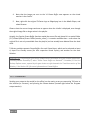
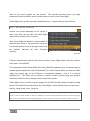
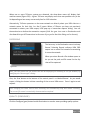
Navigate to the custom profile, select it and click Open.
CREATING A CUSTOM WINDOWS MEDIA PROFILE
1.
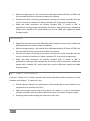
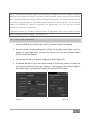
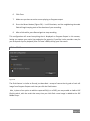
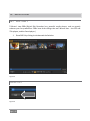
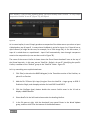
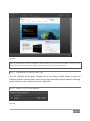
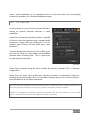
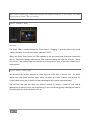
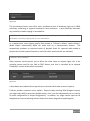
From TriCaster’s Startup Screen, click the Shutdown icon, and select Exit to Windows.
2.
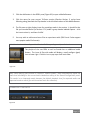
Click the Exit to Windows button in the confirmation dialog that pops up.
3.
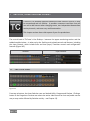
Double-click the My Computer icon, and navigate to C:\TriCaster\Streaming
Profiles\WMVPRofiles.
4.
Identify a profile (.prx file) similar to the one you wish to create inside the appropriate
sub-folder at that location.
5.
Copy the file, and paste the copy in at the same location.
6.
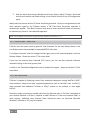
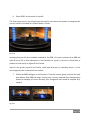
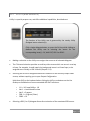
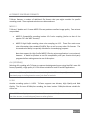
Double-click the new profile to open it in the Windows Media Profile Editor.
7.
Make such changes to the settings as you see fit, then click the Save and Close button.
8.
Rename the modified profile to differentiate it from the others in the same folder.
9.
Close the folder, and re-launch TriCaster.
Page | 315