1
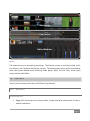
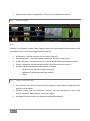
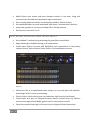
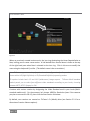
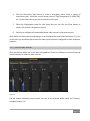
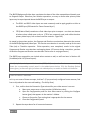
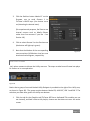
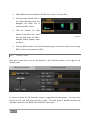
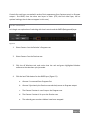
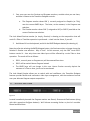
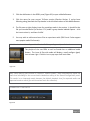
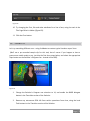
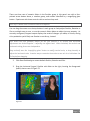
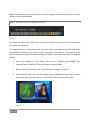
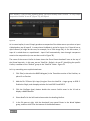
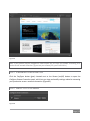
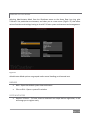
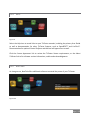
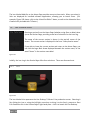
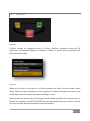
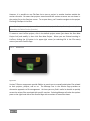
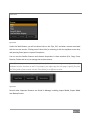
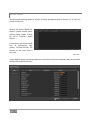
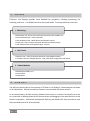
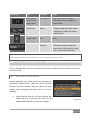
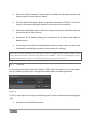
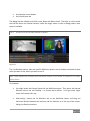
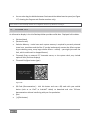
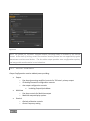
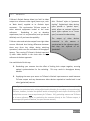
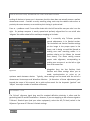
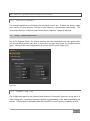
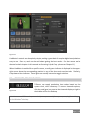
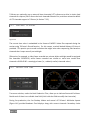
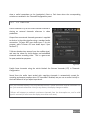
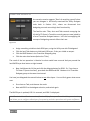
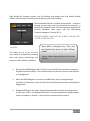
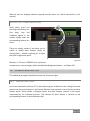
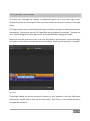
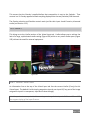
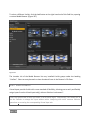
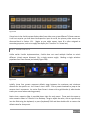
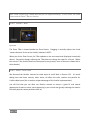
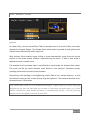
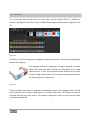
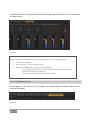
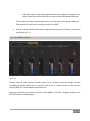
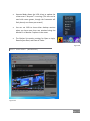
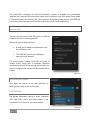
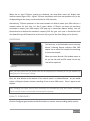
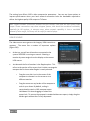
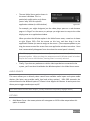
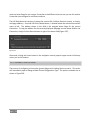
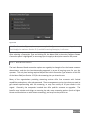
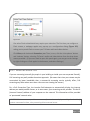
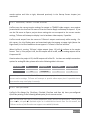
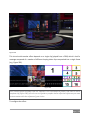
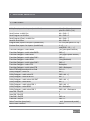
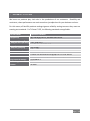
This panel closes when you click the Close button or click outside the panel. 7.1.2 PROC AMP Proc Amp adjustments can be toggled on and off using the Enable Proc Amp switch at upper left in the Main and Multiview panes (note that the Multiview output Proc Amp affects only Program and Preview displays), or reset by clicking the Restore Defaults button. Each Proc Amp has numeric slider controls for: Brightness: Adjustment range from -50 to +50 IRE (the default being 0). As reference, the full luminance range of the visible portion of a video signal can be thought of as ‘100 IRE units’ (named for the Institute of Radio Engineers) – ignoring minor regional variations. Contrast – Adjustment range from 25 - 400% (default 100%). Hue – Adjustment range from -180° to +180°. Adjusts the master color of the video signal from the attached source, swinging the entire image through the color wheel’s spectrum. Saturation – Adjustment range from 0-500%. Zero saturation results in a ‘black and white’ picture; increased saturation results in richer colors. High saturation values can exaggerate the color portion of the signal. Note that over-saturated colors are considered illegal for broadcast transmission, and may result in display problems on some devices. Hint: your TriCaster™ system provides Waveform/Vectorscope monitors, an invaluable way to accurately monitor the video signal to avoid issues such as illegal color. Figure 124 Page | 127