1
RollMap User Manual
SNMP Setup for RollMap
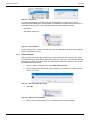
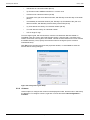
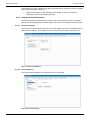
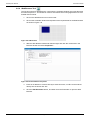
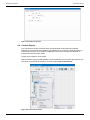
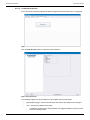
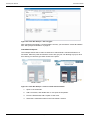
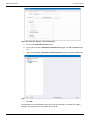
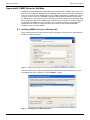
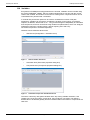
Ensure both the "Simple Network Management Protocol" (SNMP) sub-component is selected.
Click OK to continue and install the components.
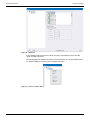
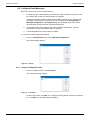
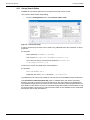
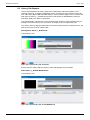
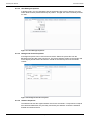
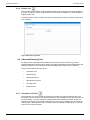
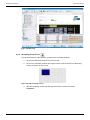
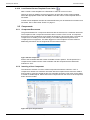
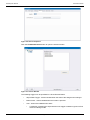
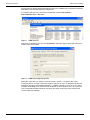
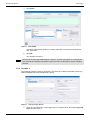
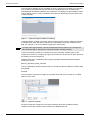
To configure the services, use the Service Manager under Control Panel >
Administration Tools > Services.
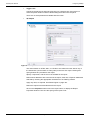
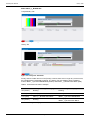
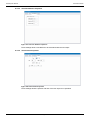
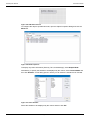
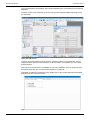
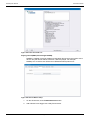
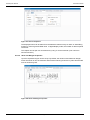
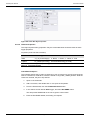
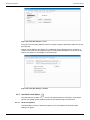
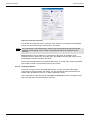
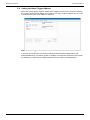
Figure 3
SNMP Services
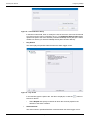
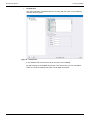
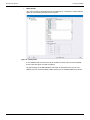
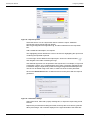
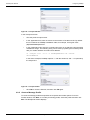
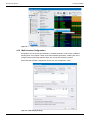
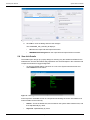
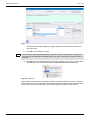
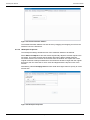
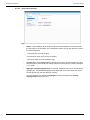
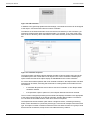
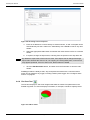
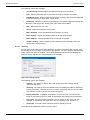
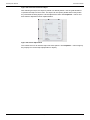
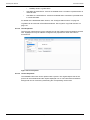
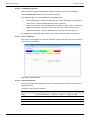
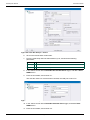
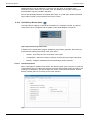
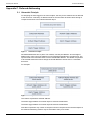
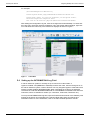
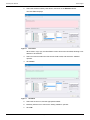
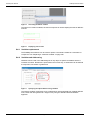
Right-click on SNMP Service and click Properties. Select the Agent control tab and enter a
contact name and location.
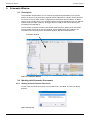
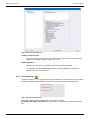
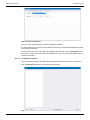
Figure 4
SNMP Service Agent Properties
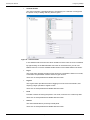
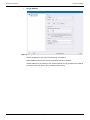
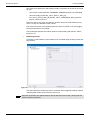
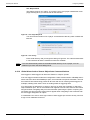
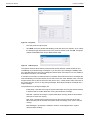
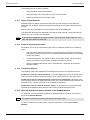
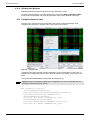
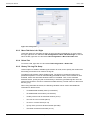
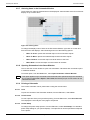
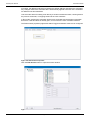
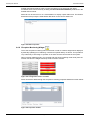
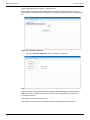
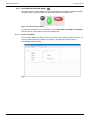
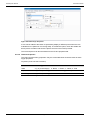
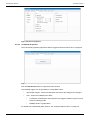
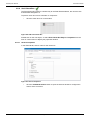
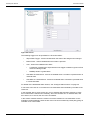
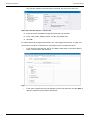
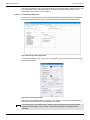
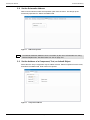
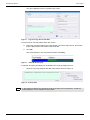
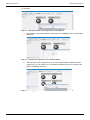
Select the Traps tab. The default community name is "public". If required, add a new
community name. For each community required, add one or more IP addresses for the trap
destination (location of the SNMP manager). If a SNMP manager is to be run on the same
computer as RollMap, then add the name "localhost" or the IP address 127.0.0.1 to the list.
The corresponding SNMP manager must have the same community name configured to
receive traps from RollMap.
Issue 6 Rev 1
Page 171
© 2015 SAM