1
RollMap User Manual
System Alarms Window
•
Data - Alphabetically by data
•
Status - Errors are reported first, followed by warnings, followed by everything else
•
Mask - Masked cells followed by unmasked cells
5.9 Printing
The current state of the System Alarms window can be printed.
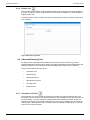
5.9.1 Page Setup Options
To change the page setup options:
•
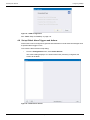
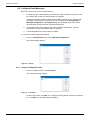
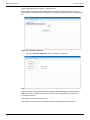
From the File menu, select Page Setup.
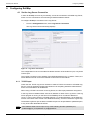
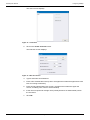
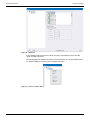
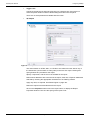
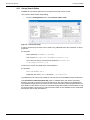
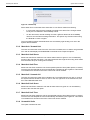
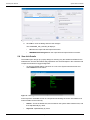
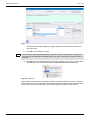
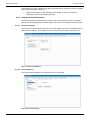
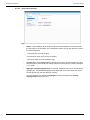
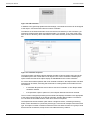
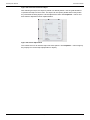
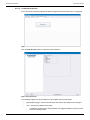
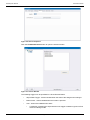
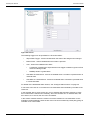
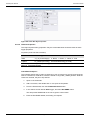
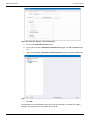
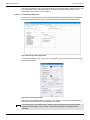
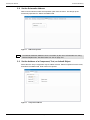
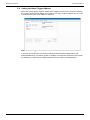
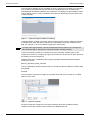
The Page Setup for Printing dialog displays.
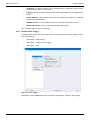
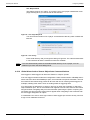
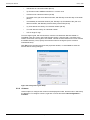
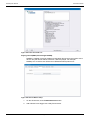
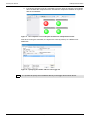
Figure 79 Page Setup
There are two print setup options available in this dialog:
•
Always resize horizontally to fit paper—configures RollMap to print all headers
across a single page, re-scaling if necessary. If this option is not selected, only the
fields that fit on the first page using the current font are printed.
•
Use black and white only—produces a clearer monochrome gray scale output on a
black and white printer.
5.9.2 Printer Setup Options
To change the printer setup option:
•
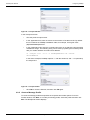
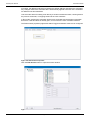
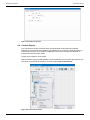
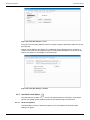
From the File menu, select Print Setup.
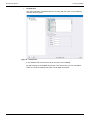
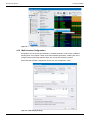
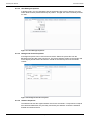
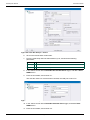
The standard printer setup dialog for your printer displays. The options that can be
specified here depend on the printer.
5.9.3 Print Preview
To view a preview of the print job before printing:
•
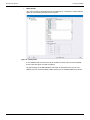
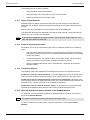
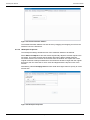
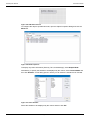
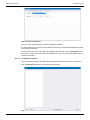
From the File menu, select Print Preview.
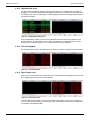
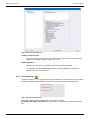
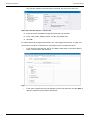
This displays the exact layout of the page to be printed.
5.9.4 Print
To print the contents of the System Alarms window:
•
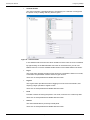
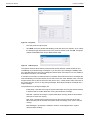
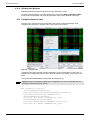
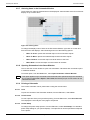
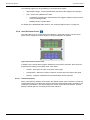
From the File menu, select Print.
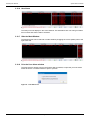
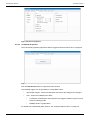
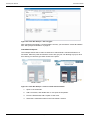
The printer setup dialog displays.
•
Issue 6 Rev 1
Specify any required print options and then click OK to continue.
Page 69
© 2015 SAM