1
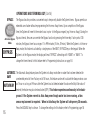
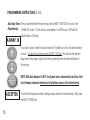
DELAY AWAY When activated through the programming menu, this feature delays the start of the Away mode for a
preset time interval. This is useful for someone who regularly flushes a toilet or starts a load of
AWAY
laundry or the dishwasher just prior to leaving. Places System in
Away Mode
During the Delay Away interval, the System utilizes the Home timer (e.g. 30 minutes of flow). At the
end of the Delay Away interval, the System will automatically place itself into the Away mode. The
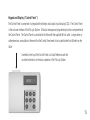
D. AWAY
XX
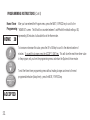
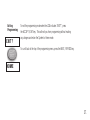
System is preprogrammed with Delay Away set to OFF. This delay interval can be
changed to any value from OFF (0 minutes) up to 99 minutes. Once programmed with any value above OFF (0 minutes), the Delay Away interval will
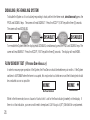
be activated every time the user presses the AWAY key. To deactivate this feature, reset the Delay Away interval to zero minutes (OFF). When the System is in the Delay Away mode, the display
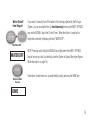
will read “D. AWAY XX”, with XX representing the time remaining in the delay interval. To change this
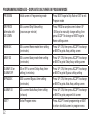
feature, refer to Programming Instructions on page 18.
15.