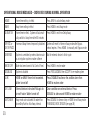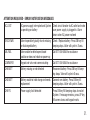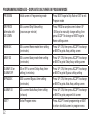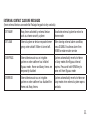
1
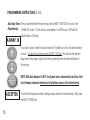
Automatic
PROG
Samples Drip
Rate
X.X OZ/M
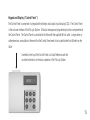
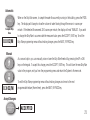
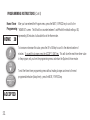
When on the Drip Rate screen, to sample the water flow currently running in the building, press the PROG
key. The display will change to show the volume of water flowing through the sensor in ounces per
minute. If the detected flow exceeds 32.0 ounces per minute, the display will read “INVALID”. If you wish
to change the Drip Rate to accommodate the measured value, press the ACCEPT / EXIT key. To exit the
Drip Rate programming menu without making changes, press the NEXT / BYPASS key.
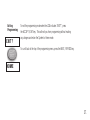
Manual
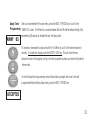
As a second option, you can manually raise or lower the Drip Rate threshold by pressing the UP or DN
UP
DN
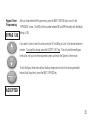
keys on the keypad. To accept this change, press the ACCEPT / EXIT key. This will store the new Drip Rate
value in the program, exit you from the programming menu and return the System to Home mode.
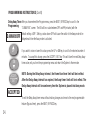
To exit the Drip Rate programming menu without making changes and move to the next
X.X OZ/M
programmable feature (Home timer), press the NEXT / BYPASS key.
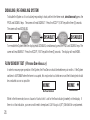
Accept Changes
ACCEPT
EXIT
ACCEPTED
21.