1
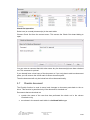
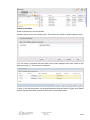
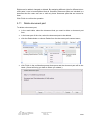
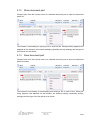
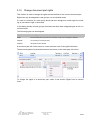
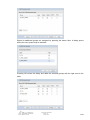
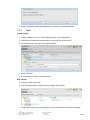
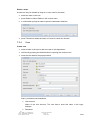
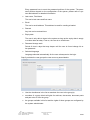
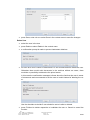
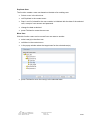
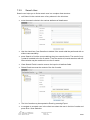
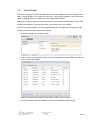
7.2.2 Department Create a department: select the client in the tree call New by pressing the default button or opening the context menu enter the data for the department in the popup window press Finished the new department is shown in the client tree Edit a department: select the department in the tree edit the department’s name or select a new manager from the list press Save, enter ctrl+s or select Save in the context menu to save the changes Delete a department: A department can only be deleted as long as no teams exist for the department. select the department in the tree press Delete or select Delete in the context menu a confirmation prompt is made to prevent inadvertent deletions File name: TMDD_3 1_UserManual_en Author: Frank Merath / Ingrid Restle Source: SE Book 3.5.3-en Last revised: 2012-08-20 Version: 1.2 Status: Final 51/60