1
OrderlyStats Users Manual
5. Admin Page
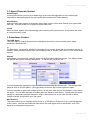
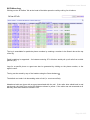
The Admin Page can be accessed from the left navigation, and looks like this:
5.1 Users Section
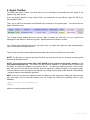
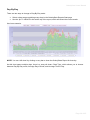
The first section allows you to create, delete and modify secondary users.
This is useful for creating multiple logins to OrderlyStats for your team leaders. There are currently two
privileges you can assign to each user
Admin
This privilege allows the user to access the Admin screen.
Agents
This privilege allows the user to access the Agents screen.
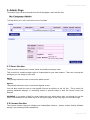
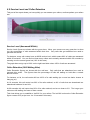
You can also restrict the user to view specific Queues by clicking on the ‘All’ link. This is useful for
creating Wallboard displays, or restricting access to specific teams in both the Control Panel and
Reports.
WARNING: If a member of staff is a team leader who also takes queue calls, you should not use the
same email address for the toolbar log in on the Agents page, as the User log in on the Admin page.
5.2 Licence Section
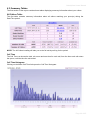
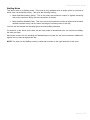
The Licence section helps you manage your OrderlyStats Licence – please contact Orderly Software
directly if you need any licence assistance.
Page 23 of 65