1
Topaz B&W Effects
User Manual
How to install Topaz B&W Effects in Paintshop Pro
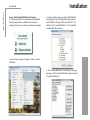
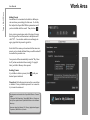
1. First launch PaintShop Pro / Photo Impact.
Installation
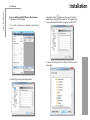
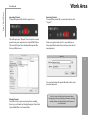
3. Choose C: \ Program Files \ Topaz Labs \ Topaz BW
Effects 2\Plugins and click “OK”.
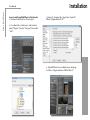
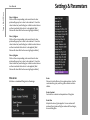
2. Go to Menu file -> Preferences -> File Locations.
Select “Plug-ins” from the “File Types” list and click
“Add”.
4
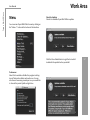
4. Topaz BW Effects is now available to use. Simply go
to Effects -> Plug-ins and select “B&W Effects 2”.