1
Shooting Options: The Shooting Menu
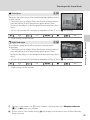
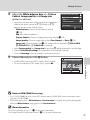
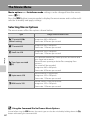
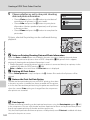
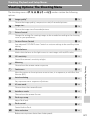
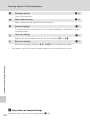
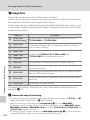
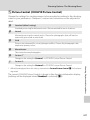
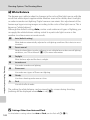
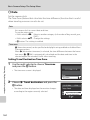
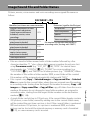
a Picture Control (COOLPIX Picture Control)
Change the settings for creating images to be recorded according to the shooting
scene or your preferences. Sharpness, contrast and saturation can be adjusted in
detail.
b
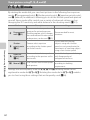
Standard (default setting)
Standard processing for balanced results. Recommended for most situations.
c
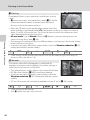
Neutral
Minimal processing for natural results. Choose for photographs that will later be
extensively processed or retouched.
d
Vivid
Pictures are enhanced for a vivid, photoprint effect. Choose for photographs that
emphasize primary colors.
e
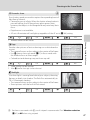
Monochrome
Take monochrome photographs.
f
Custom 1*
Change to the setting for Custom 1 in COOLPIX Custom Picture Control.
g
Custom 2*
Change to the setting for Custom 2 in COOLPIX Custom Picture Control.
The current COOLPIX Picture Control is shown in the shooting information display
(nothing will be displayed when Standard is selected) (A8).
Shooting, Playback and Setup Menus
* Will only be displayed when the setting customized in Custom Picture Control (A134) has been
registered.
129