1
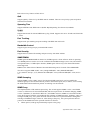
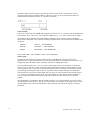
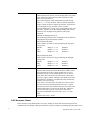
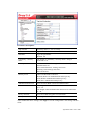
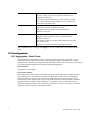
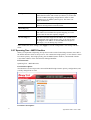
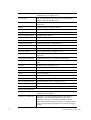
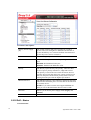
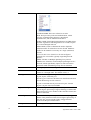
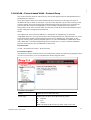
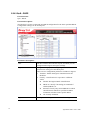
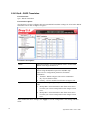
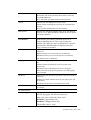
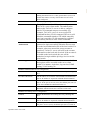
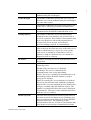
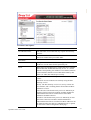
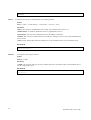
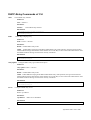
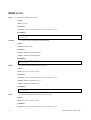
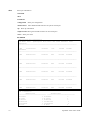
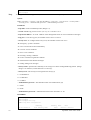
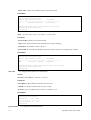
tagged frame format, and that both the VLAN ID and the
Layer 2 priority values are being used, as well as the DSCP
value. The tagged format includes an additional field,
known as the tag header. The tagged frame format also
includes priority tagged frames as defined by IEEE
802.1Q-2003.
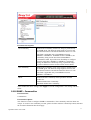
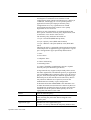
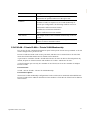
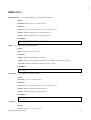
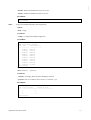
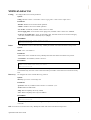
VLAN ID
VLAN identifier (VID) for the port as defined in IEEE
802.1Q-2003.
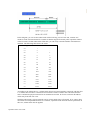
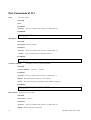
L2 Priority
L2 Priority is the Layer 2 priority to be used for the
specified application type. L2 Priority may specify one of
eight priority levels (0 through 7), as defined by IEEE
802.1D-2004. A value of 0 represents use of the default
priority as defined in IEEE 802.1D-2004.
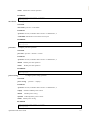
DSCP
DSCP value to be used to provide Diffserv node behaviour
for the specified application type as defined in IETF RFC
2474. DSCP may contain one of 64 code point values (0
through 63). A value of 0 represents use of the default
DSCP value as defined in RFC 2475.
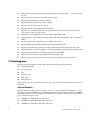
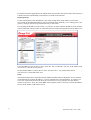
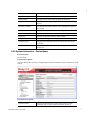
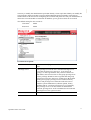
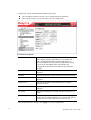
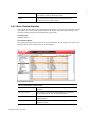
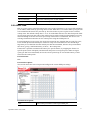
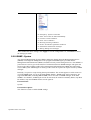
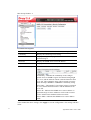
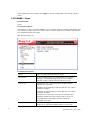
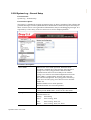
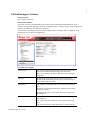
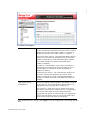
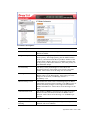
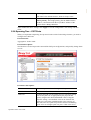
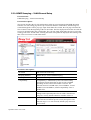
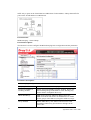
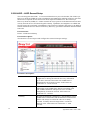
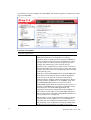
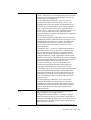
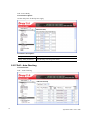
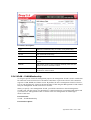
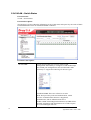
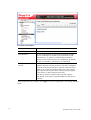
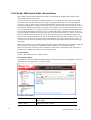
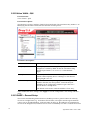
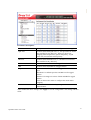
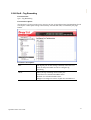
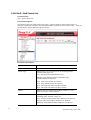
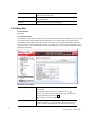
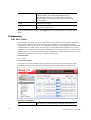
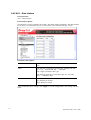
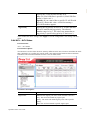
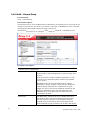
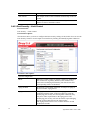
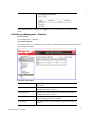
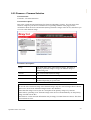
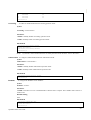
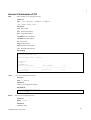
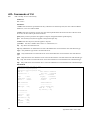
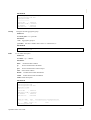
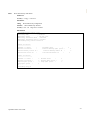
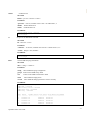
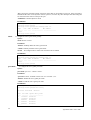
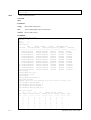
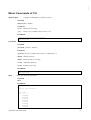
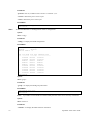
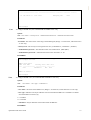
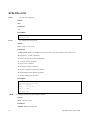
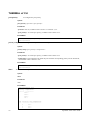
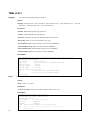
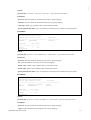
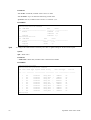
Adding a new policy
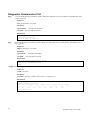
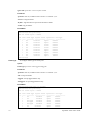
Click to add a new policy. Specify the Application type,
Tag, VLAN ID, L2 Priority and DSCP for the new policy.
Click "Apply".
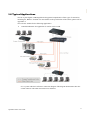
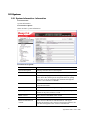
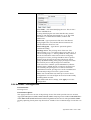
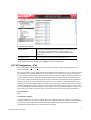
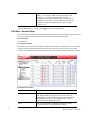
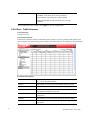
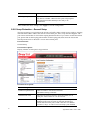
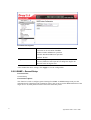
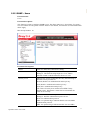
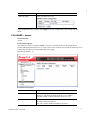
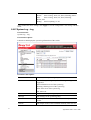
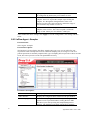
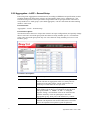
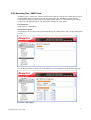
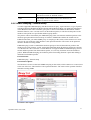
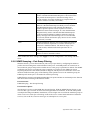
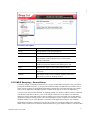
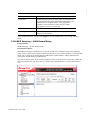
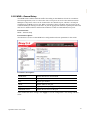
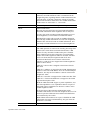
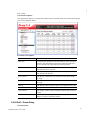
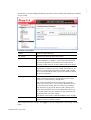
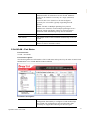
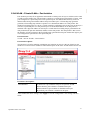
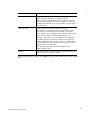
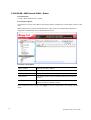
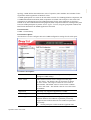
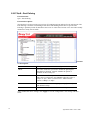
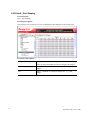
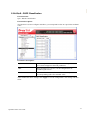
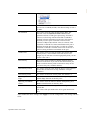
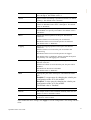
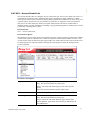
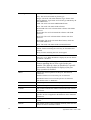
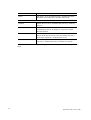
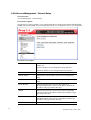
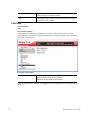
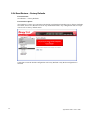
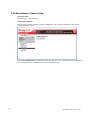
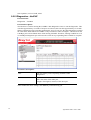
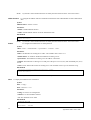
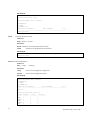
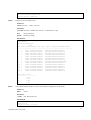
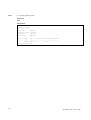
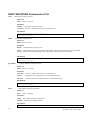
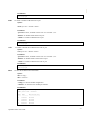
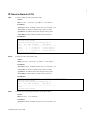
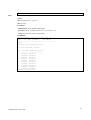
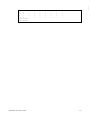
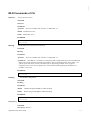
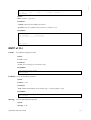
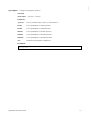
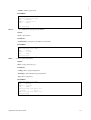
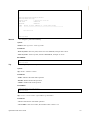
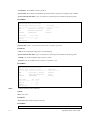
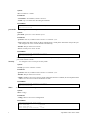
Port Policies Configuration
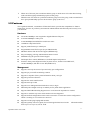
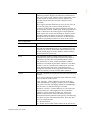
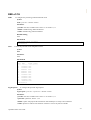
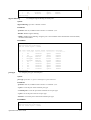
Every port may advertise a unique set of network policies or
different attributes for the same network policies, based on
the authenticated user identity or port configuration.
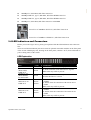
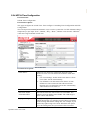
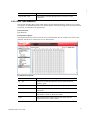
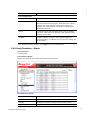
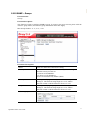
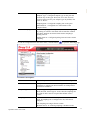
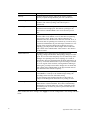
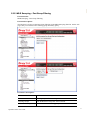
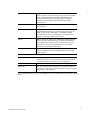
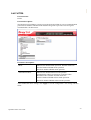
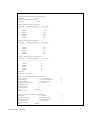
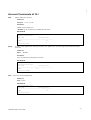
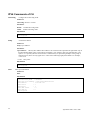
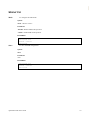
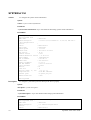
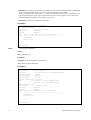
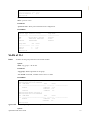
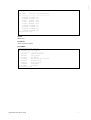
Port
The port number to which the configuration applies.
Policy ID
The set of policies that shall apply to a given port. The set
of policies is selected by check marking the checkboxes that
corresponds to the policies.
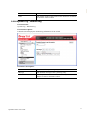
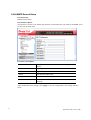
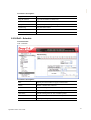
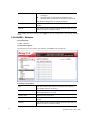
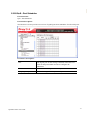
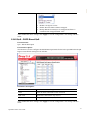
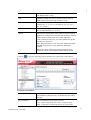
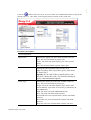
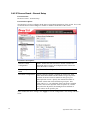
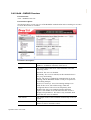
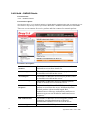
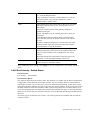
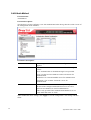
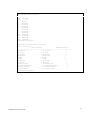
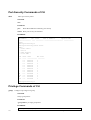
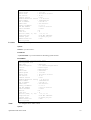
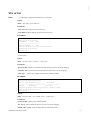
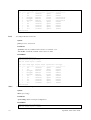
After finished the above settings, click Apply to save the configuration. The settings will take
effect.
VigorSwitch P2261 User’s Guide
113