1
2. Setting Up Your Projector
2-3. Adjusting the Lens Setup and Lamp Brightness
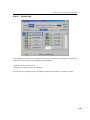
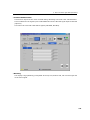
You can register adjusted lens settings (lens memory function) or adjusted brightness of the
lamp (lamp memory function). Assign registered settings to titles to call them up later. For
information on the lens and lamp memory functions, refer to the NC-TP6402/NC-TP6401 Touch
Panel Controller User's Guide.
2-3-1.
Adjusting the Lens
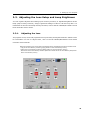
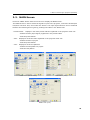
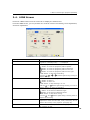
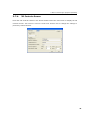
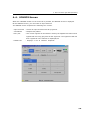
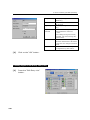
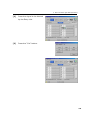
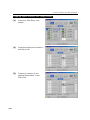
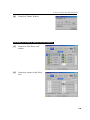
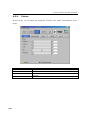
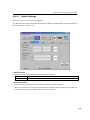
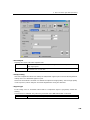
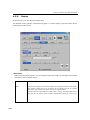
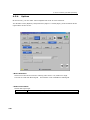
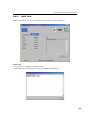
The projector zoom, focus and projected screen (lens shift) are adjusted with the “LENS” screen
for information on how to adjust them, refer to the NC-TP6402/NC-TP6401 Touch Panel
Controller User's Manual.
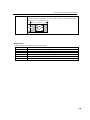
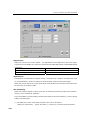
When the projector main unit is used in the NC1600 Series, the following functions cannot be used.
- Copy of the Lens Memory function ([Copy] button on the Lens Memory screen)
- Paste of the Lens Memory function ([Paste] button on the Lens Memory screen)
- With Focus of the Lens Memory function (With Focus check box of the Lens Memory Setup field
of the Lens Memory screen)
21