1
NVMS1000 User Manual
17
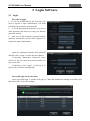
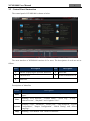
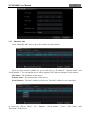
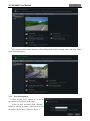
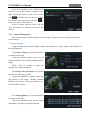
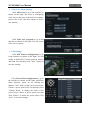
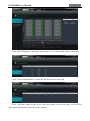
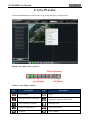
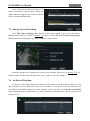
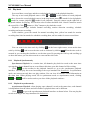
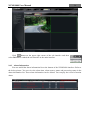
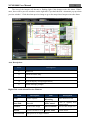
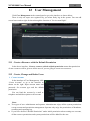
The camera without some functions will not display the relative setting sheets and links. Refer
to the following figure.
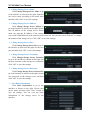
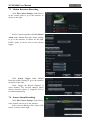
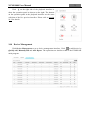
3.3.1 Area Management
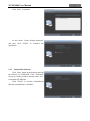
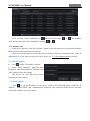
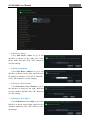
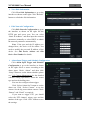
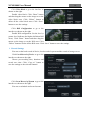
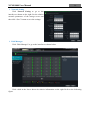
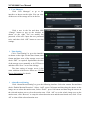
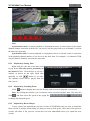
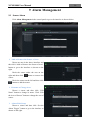
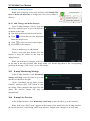
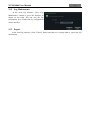
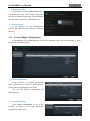
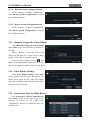
Click “Create Area” button to create an
area. Refer to the figure on the right.
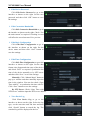
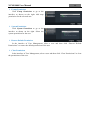
Select an area and then click “Rename”
button to change its name. Select an area and
then click “Delete Area” button to delete it.