1
65
NVMS1000 User Manual
13 Basic
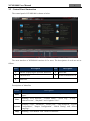
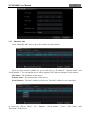
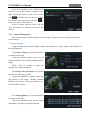
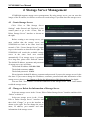
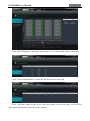
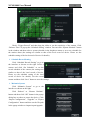
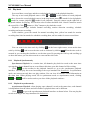
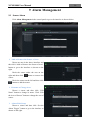
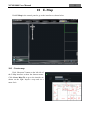
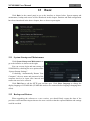
Click Basic in the control panel to go to the interface as shown below. System startup and
maintenance, backup and restore will be introduced in this chapter. Partition and Path configuration
have been introduced in the above chapter, here we do not repeat again.
13.1 System Startup and Maintenance
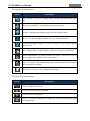
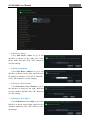
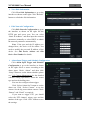
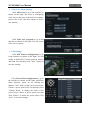
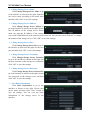
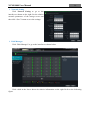
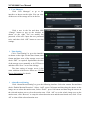
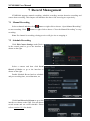
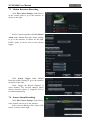
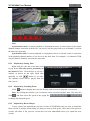
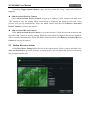
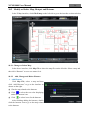
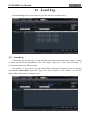
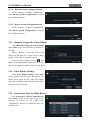
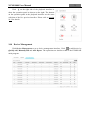
Click System Startup and Maintenance to
go to the interface as shown on the right.
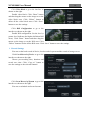
You can set auto login and auto startup of
NVMS1000 by checking the two options under
“System Startup Settings”.
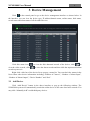
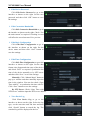
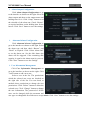
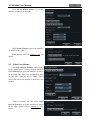
If checking “Automatically Restart Your
Computer”, the user name and password of the
computer need to be input; time interval and
restart time need to be selected.
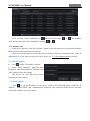
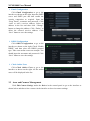
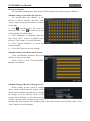
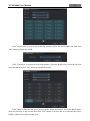
Click Edit Port to edit the HTTP port and data port. Click Select Language to change the
display language of NVMS1000 (NVMS1000 needs to be restarted before language changing takes
effect).
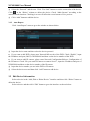
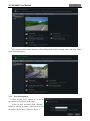
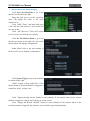
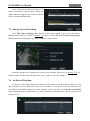
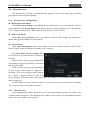
13.2 Backup and Restore
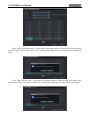
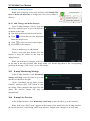
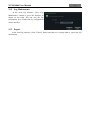
When upgrading the software to a new version, you should firstly export the data of the
previous version and then import them to the new version so that the repeated addition and settings
could be avoided.