1
NVMS1000 User Manual
47
Note:
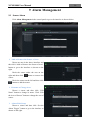
Asynchronous mode: if remote playback or all playback source is selected, due to the remote
channel number restriction of the device, one device can only play back up to 4 channels’ record at
the same time generally.
Synchronous mode: if remote playback or all playback source is selected, it has no restriction
in the playback channel number of one device at the same time. For example, a 16 channels’ DVR
can play back16 channels’ record at the same time.
8.1.3 Playback by Setting Time
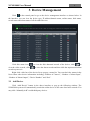
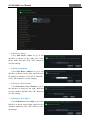
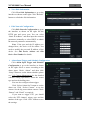
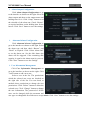
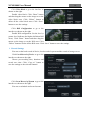
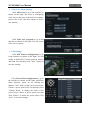
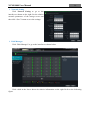
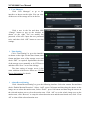
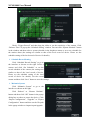
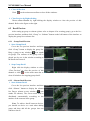
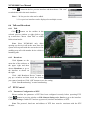
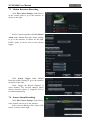
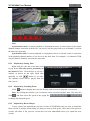
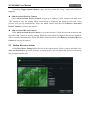
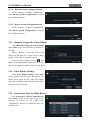
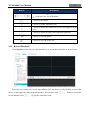
Right click the color bar on the time scale
to pop up the Play time precise positioning of
the channel X box. Click the box to pop up a
window as shown on the right. Input time
manually or click
/
button to set time.
The channel record will be played from the
time you set.
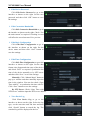
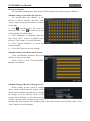
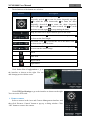
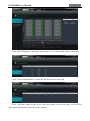
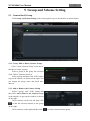
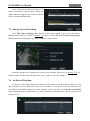
8.1.4 Playback by Searching Event
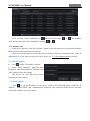
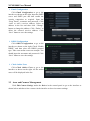
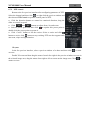
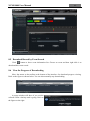
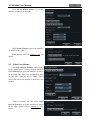
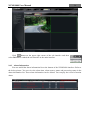
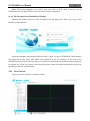
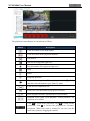
Click
button to display the event list. Double click an event to play this event record.
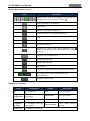
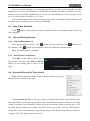
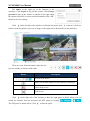
Note: By clicking the timeline, you can choose a more accurate playback time. You may also
click
and then select the speed in the popup bar
to change the playback speed.
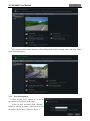
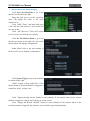
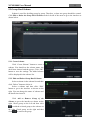
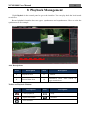
8.1.5 Playback by Record Player
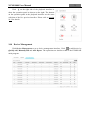
If your system has installed the previous version of NVMS1000 and you need to install the
latest version, a prompt which telling you that you need to back up the video data of the previous
version will show if the previous version has not been uninstalled before you install the new
version.