1
2.4.0 Data Clearing
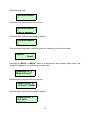
After pressing MENU following text appears:
Data clearing
N
hh:mm:ss
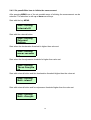
After pressing right arrow the measured data N (1..128) at time hh:mm:ss and date
dd.mm will be deleted. All records 2..128 are shifted to 1..127. After erasing all data the
following text will be displayed:
*** No data **
************
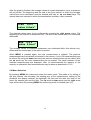
All data can be deleted at the same time when the key right arrow is pressed for a
longer time.
All clearing
push button
Display blinking. After 10 seconds all data are erased.
When PRN is pressed, the paper is ejected from the printer. When pressed longer, the
list of all measured stored is printed.
2.4.1 Recording Interval
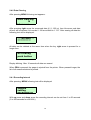
After pressing MENU following text will be displayed
Sample
setting
Recording xx
With up arrow and down arrow the recording interval can be set from 1 to 50 seconds
(5 to 300 seconds for ct3010XL).
13