1
A: Actions
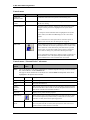
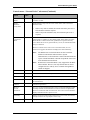
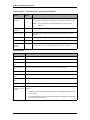
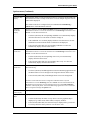
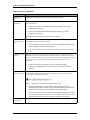
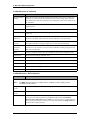
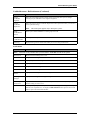
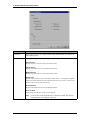
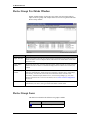
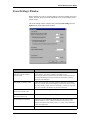
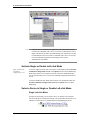
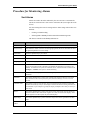
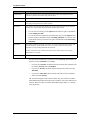
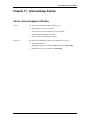
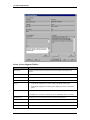
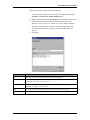
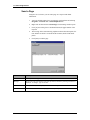
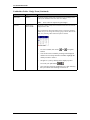
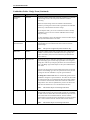
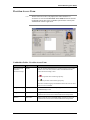
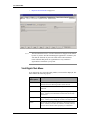
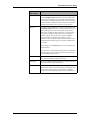
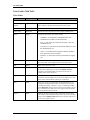
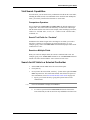
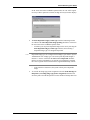
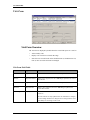
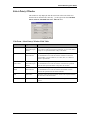
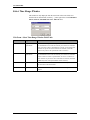
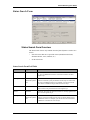
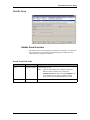
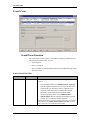
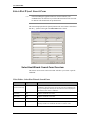
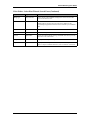
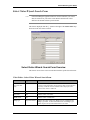
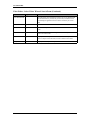
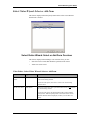
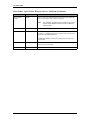
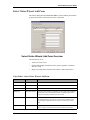
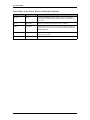
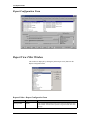
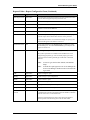
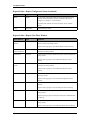
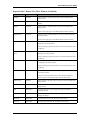
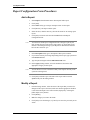
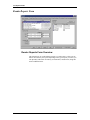
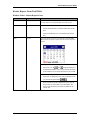
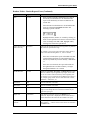
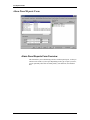
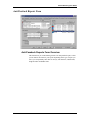
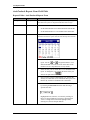
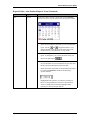
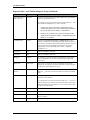
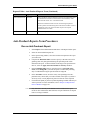
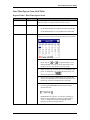
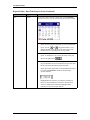
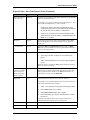
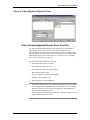
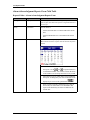
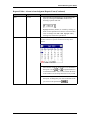
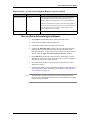
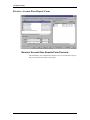
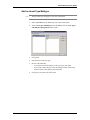
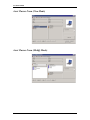
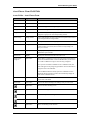
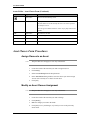
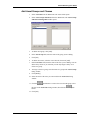
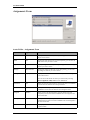
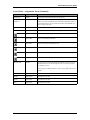
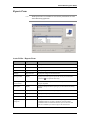
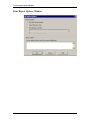
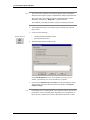
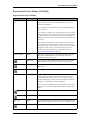
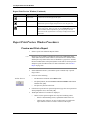
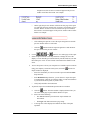
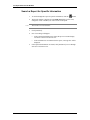
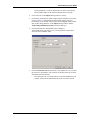
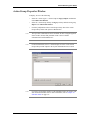
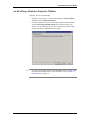
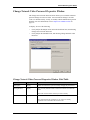
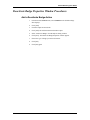
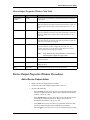
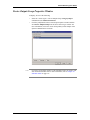
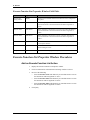
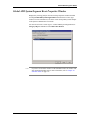
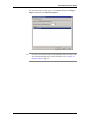
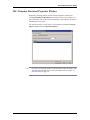
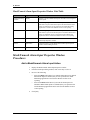
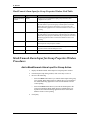
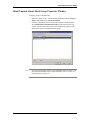
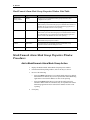
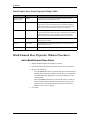
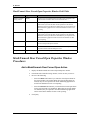
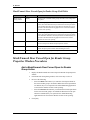
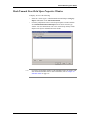
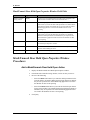
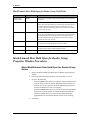
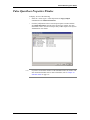
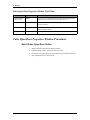
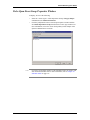
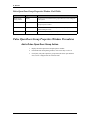
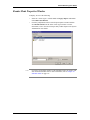
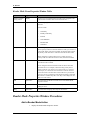
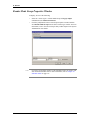
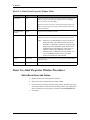
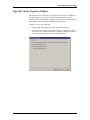
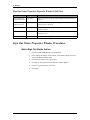
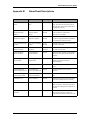
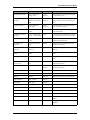
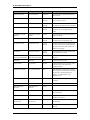
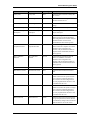
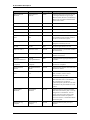
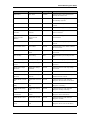
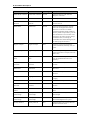
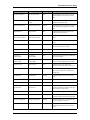
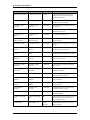
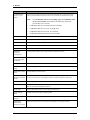
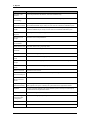
Reader Mode Group Properties Window
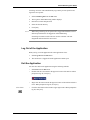
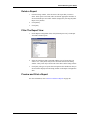
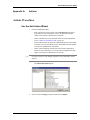
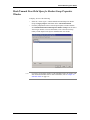
To display, do one of the following:
Note:
386 — revision 105
•
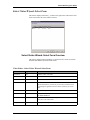
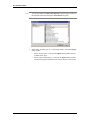
Select the “Action Types”/ “Reader Mode Group” Category/Object
combination in the Add Action Wizard.
•
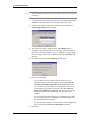
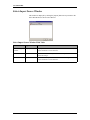
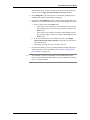
Click the [Add] button on the Action Group Properties window and then
select Reader Mode Group from the Select Action Type window. For more
information, refer to the Action Group Library Folder chapter in the System
Administration User Guide.
If you have accessed this window via the Scheduler folder, the window will
also contain the Schedule tab. For more information, refer to Chapter 20:
Scheduler Folder on page 317.