1
A: Actions
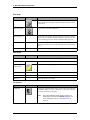
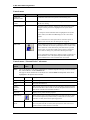
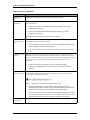
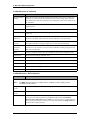
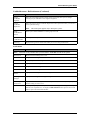
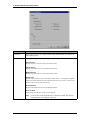
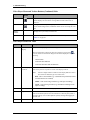
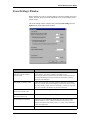
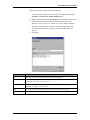
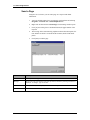
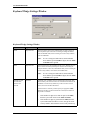
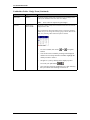
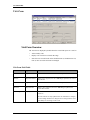
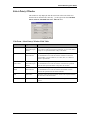
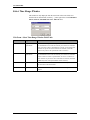
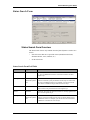
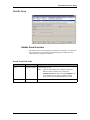
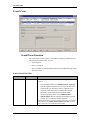
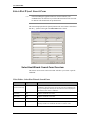
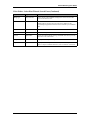
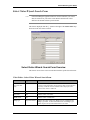
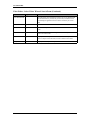
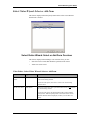
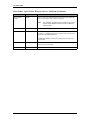
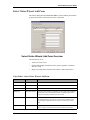
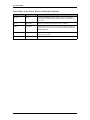
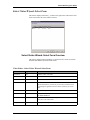
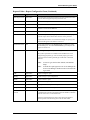
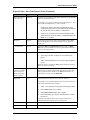
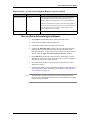
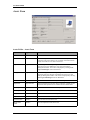
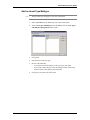
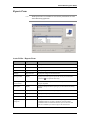
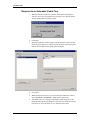
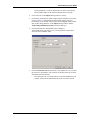
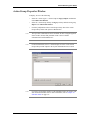
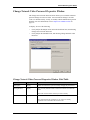
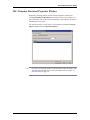
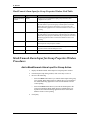
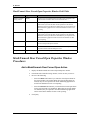
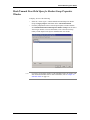
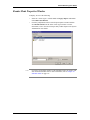
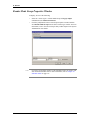
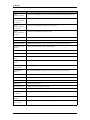
Mask/Unmask Door Forced Open for Reader Group Field Table
Form Element
Type
Comment
Reader Group
listing window
display
Displays a list of available reader groups which have been configured in
the system.
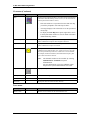
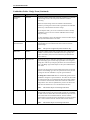
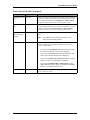
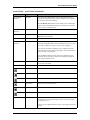
Mask
radio button
When configuring a mask/unmask door forced open for reader group
action, select this radio button if you want the door forced open alarms
to be masked. When door forced open alarms are masked, they are not
reported to the Alarm Monitoring application or stored in the database
for later event reporting.
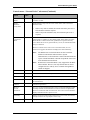
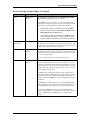
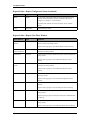
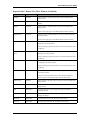
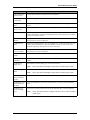
Unmask
radio button
When configuring a mask/unmask door forced open for reader group
action, select this radio button if you want the door forced open alarms
to be unmasked. When door forced open alarms are unmasked, they are
reported to the Alarm Monitoring application and are stored in the
database for later event reporting.
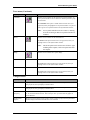
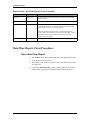
OK
push button
Click this button to add the action and exit out of the Mask/Unmask
Door Forced Open for Reader Group Properties window.
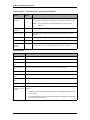
Cancel
push button
Click this button to exit the Mask/Unmask Door Forced Open for
Reader Group Properties window without adding the action.
Help
push button
Click this button to display online help for this window.
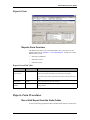
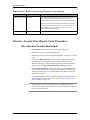
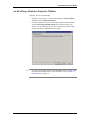
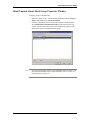
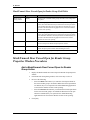
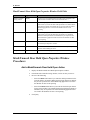
Mask/Unmask Door Forced Open for Reader Group
Properties Window Procedures
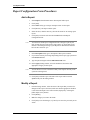
Add a Mask/Unmask Door Forced Open for Reader
Group Action
1.
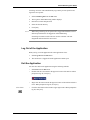
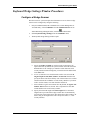
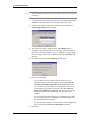
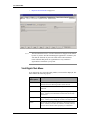
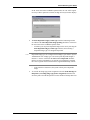
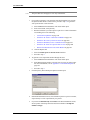
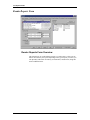
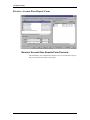
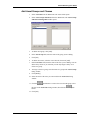
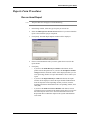
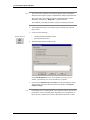
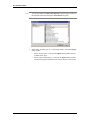
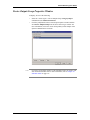
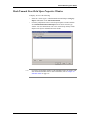
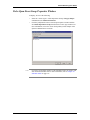
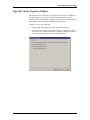
Display the Mask/Unmask Door Forced Open for Reader Group Properties
window.
2.
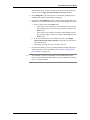
From the Reader Group listing window, click on an entry to select it.
3.
Do one of the following:
4.
374 — revision 105
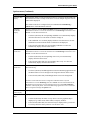
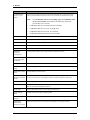
•
Select the Mask radio button if you want door forced open alarms for
the selected reader group to be masked. When door forced open alarms
are masked, they are not reported to the Alarm Monitoring application
or stored in the database for later event reporting.
•
Select the Unmask radio button if you want the door forced open alarms
for the selected reader group to be unmasked. When door forced open
alarms are unmasked, they are reported to the Alarm Monitoring
application and are stored in the database for later event reporting.
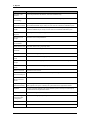
Click [OK].