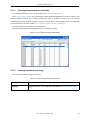
1
CHAPTER 6 WINDOW REFERENCE
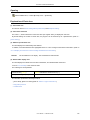
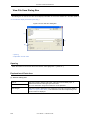
Watch Window
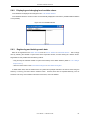
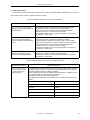
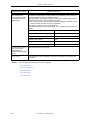
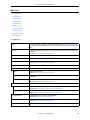
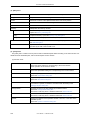
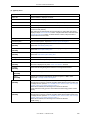
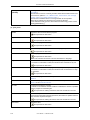
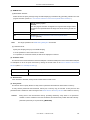
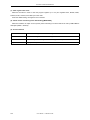
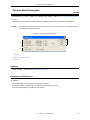
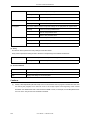
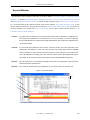
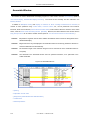
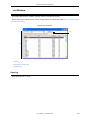
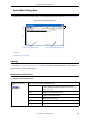
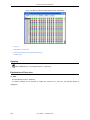
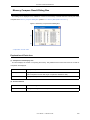
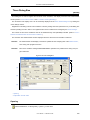
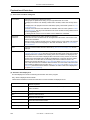
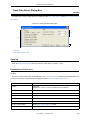
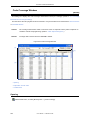
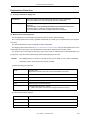
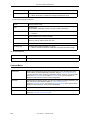
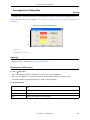
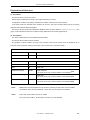
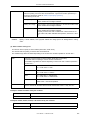
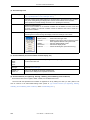
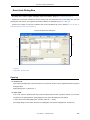
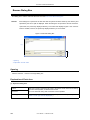
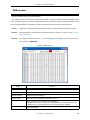
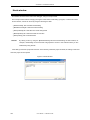
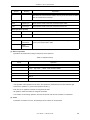
This window is used to display and change specified watch data. (Refer to "5.6 Watch Function".)
This window can also display wide-ranging watch data (such as global variables and public symbols) in real time
even during program execution, in the same way as the Memory Window.
The results of updating and rewriting data in this window will be reflected in the Memory Window.
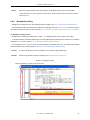
Watch data is registered by clicking the <Watch...> button in the Source Window or Assemble Window. (Refer to
"5.6.3 Registering and deleting watch data".)
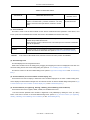
This window allows easy setting of breakpoints to variables via a Context Menu.
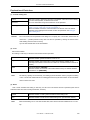
Remark1:
If a local variable and a global variable exist with the same name, the local variable takes priority.
Remark2:
A maximum of 10,000 lines can be displayed in the Watch Window.
Caution1:
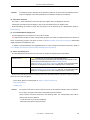
If an area that extending over a bank boundary (256 bytes) in the RRM area is accessed during
user program execution, the invalid values are displayed for the higher addresses. Consequently,
the corresponding variables are highlighted with red in the Watch window. (In such a case, the values displayed in the Memory window are also invalid, but they are not highlighted with red.)
This phenomenon occurs only during user program execution. The correct values are displayed at
a break. [IECUBE]
Caution2:
When a function to assign external variables to the registers of the CA850 is used, the variable
cannot be browsed or set in the Watch window. Manipulate such variables in the Register Window
or register the relevant register in the Watch window before manipulating the variables.
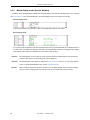
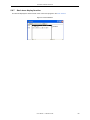
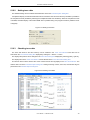
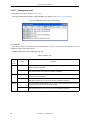
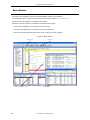
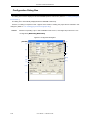
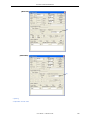
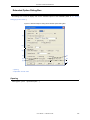
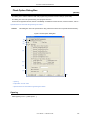
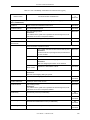
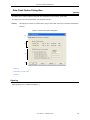
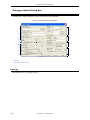
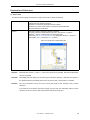
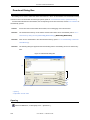
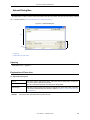
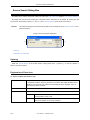
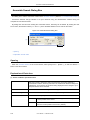
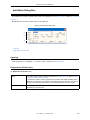
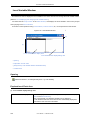
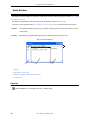
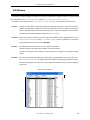
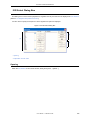
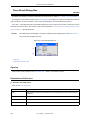
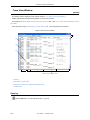
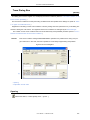
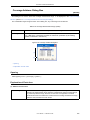
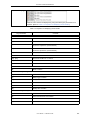
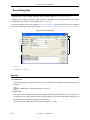
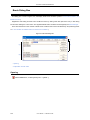
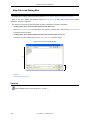
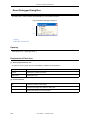
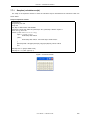
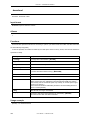
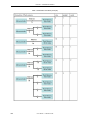
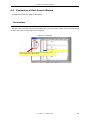
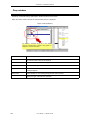
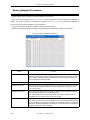
Figure 6-27 Watch Window
(2)
(1)
Symbol name display area
Data value display/setting area
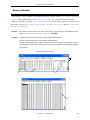
- Opening
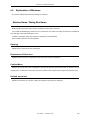
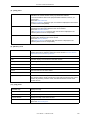
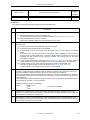
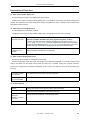
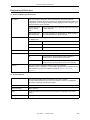
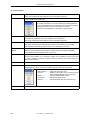
- Explanation of Each Area
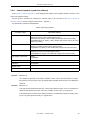
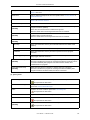
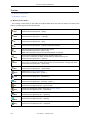
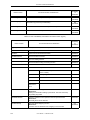
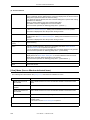
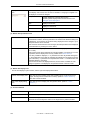
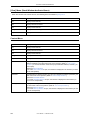
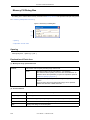
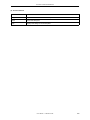
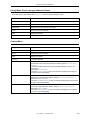
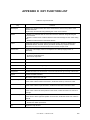
- [View] Menu (Watch Window-dedicated items)
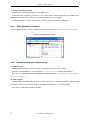
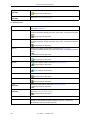
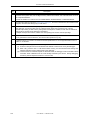
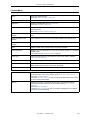
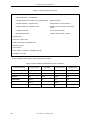
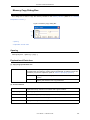
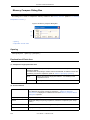
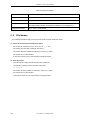
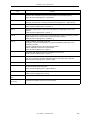
- Context Menu
186
User’s Manual
U18604EJ1V0UM