1
PMAC-NC Technical Documentation Manual
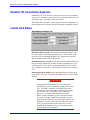
Starting the Motion Applet
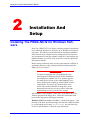
All setup is done through the "MOTION CONTROLS" applet (or the
"Motion.Exe" application), which is accessible through your operating
system’s CONTROL PANEL.
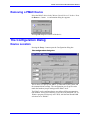
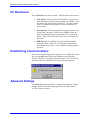
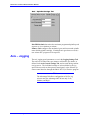
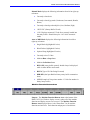
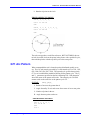
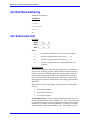
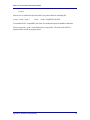
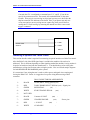
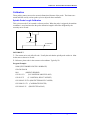
Once you have the Windows Control Panel open, click on the icon
shown below.
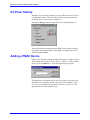
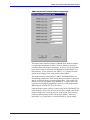
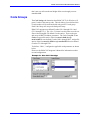
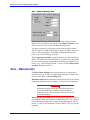
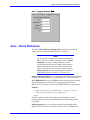
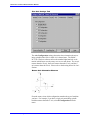
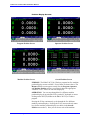
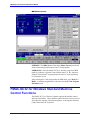
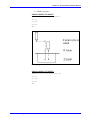
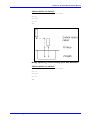
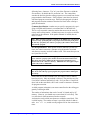
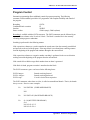
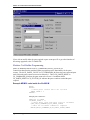
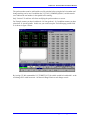
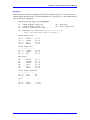
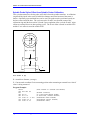
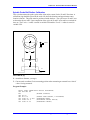
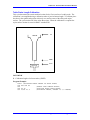
The following dialog box appears:
Note:
The Unload, Load, and Startup buttons appear only if
you are running Windows NT. The NC Setup button is
visible only if the driver has PMAC-NC capability.
Typically the Load and Unload are never used except in
rare trouble shooting cases. The "Startup" button may
be used to tell the operating system how to load the
PMAC communications driver (PComm32).
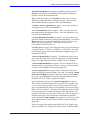
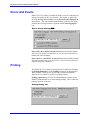
Loading the NT Driver
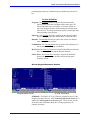
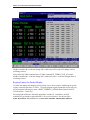
The Load Driver, Unload Driver and Startup… buttons are visible only
if you are in the Windows NT operating system. They are not visible in
Windows 95/98 because the low-level driver for Windows 95
(PMAC.VXD) is self-loading on demand.
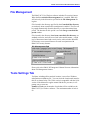
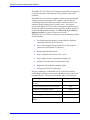
If the Windows NT driver (PMAC.SYS) is currently loaded into system
memory, the Unload Driver button is enabled and highlighted. The
Load Driver button is enabled and highlighted if the driver is not in
memory.
2-4
Installation and Setup