1
CHAPTER 7 | Configuring the Spanning Tree Protocol
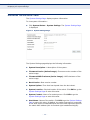
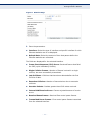
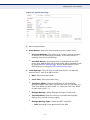
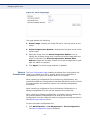
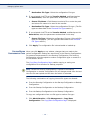
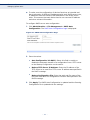
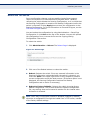
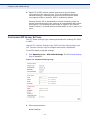
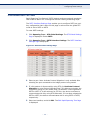
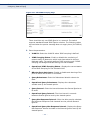
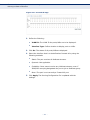
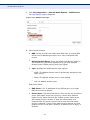
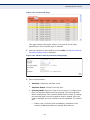
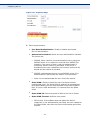
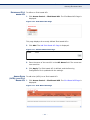
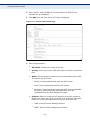
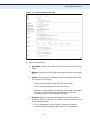
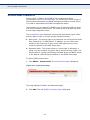
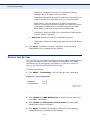
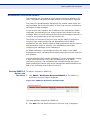
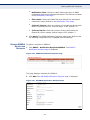
Configuring STP Global Settings
■
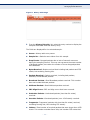
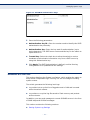
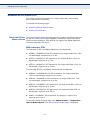
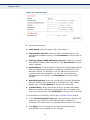
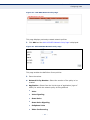
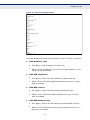
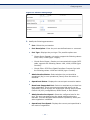
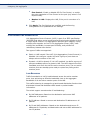
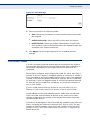
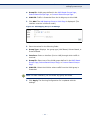
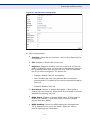
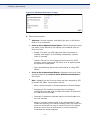
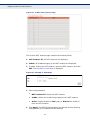
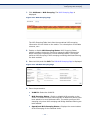
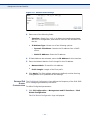
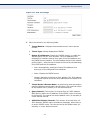
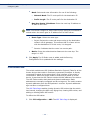
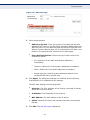
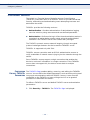
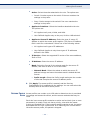
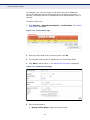
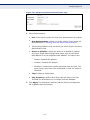
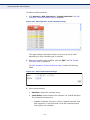
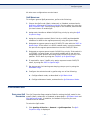
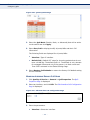
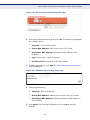
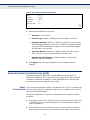
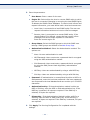
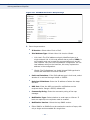
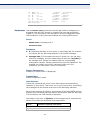
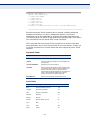
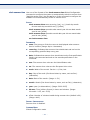
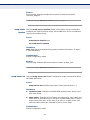
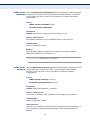
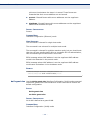
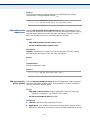
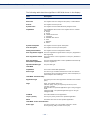
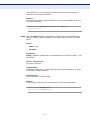
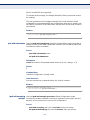
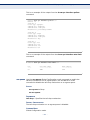
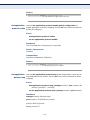
Spanning Tree State—Enable or disable STP on the switch.
■
STP Operation Mode—Select an STP mode.
■
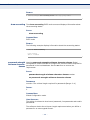
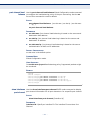
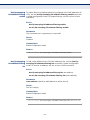
BPDU Handling—Select how Bridge Protocol Data Unit (BPDU)
packets are managed when STP is disabled on the port or the
switch. BPDUs are used to transmit spanning tree information.
●
●
■
Filtering—Filters BPDU packets when Spanning Tree is disabled
on an interface.
Flooding—Floods BPDU packets when Spanning Tree is disabled
on an interface.
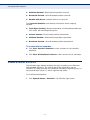
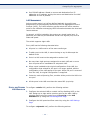
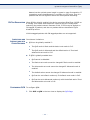
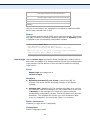
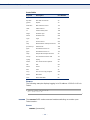
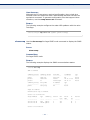
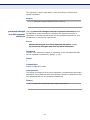
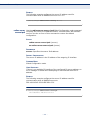
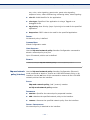
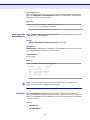
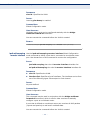
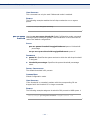
Path Cost Default Values—Selects the method used to assign
default path costs to the STP ports. The default path cost assigned
to an interface varies according to the selected method.
●
Short—Specifies that the default port path costs are within the
range:
1—65,535.
●
Long—Specifies that the default port path costs are within the
range:
1—200,000,000.
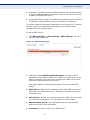
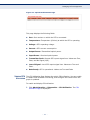
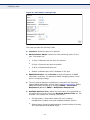
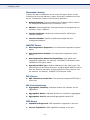
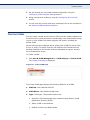
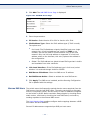
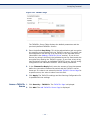
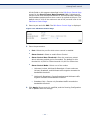
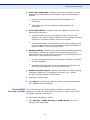
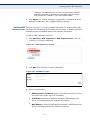
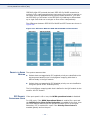
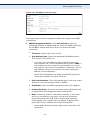
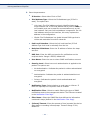
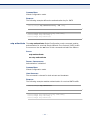
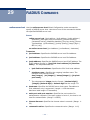
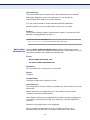
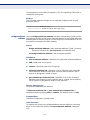
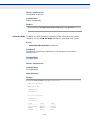
Bridge Settings:
■
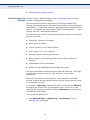
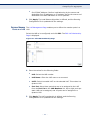
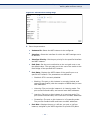
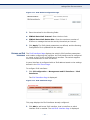
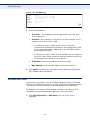
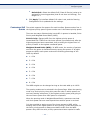
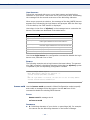
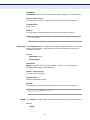
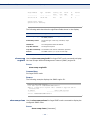
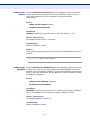
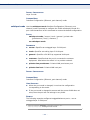
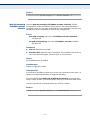
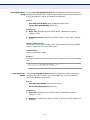
Priority—Sets the bridge priority value. After exchanging BPDUs,
the device with the lowest priority becomes the Root Bridge. In the
case that all bridges use the same priority, then their MAC
addresses are used to determine which is the Root Bridge. The
bridge priority value is provided in increments of 4096. For
example, 4096, 8192, 12288, and so on.
■
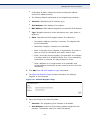
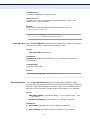
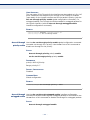
Hello Time—Set the interval in seconds that a Root Bridge waits
between configuration messages. The range is 1 to 10 seconds.
■
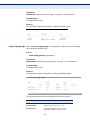
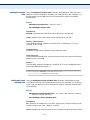
Max Age—Set the interval in seconds that the switch can wait
without receiving a configuration message, before attempting to
redefine its own configuration.
■
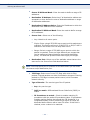
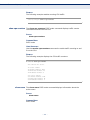
Forward Delay—Set the interval in seconds that a bridge remains
in a learning state before forwarding packets. For more information,
refer to Defining STP Interface Settings.
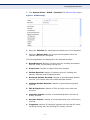
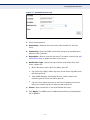
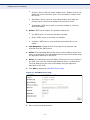
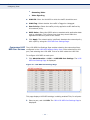
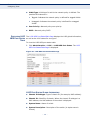
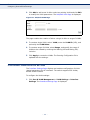
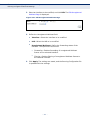
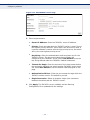
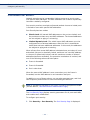
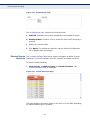
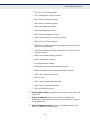
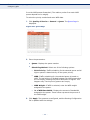
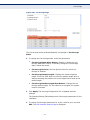
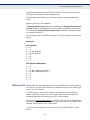
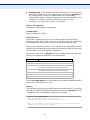
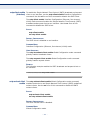
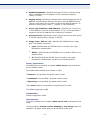
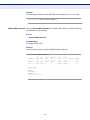
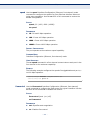
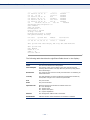
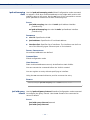
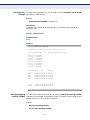
Designated Root:
■
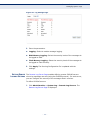
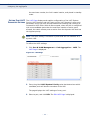
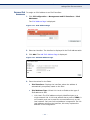
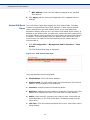
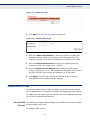
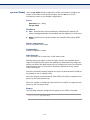
Bridge ID—The bridge priority concatenated with the MAC address
of the switch.
■
Root Bridge ID—The Root Bridge priority concatenated with the
MAC address of the Root Bridge.
– 171 –