1
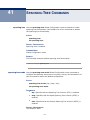
CHAPTER 54 | Quality of Service (QoS) Commands
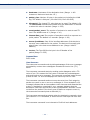
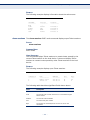
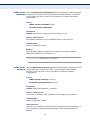
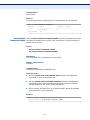
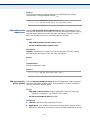
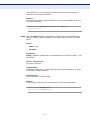
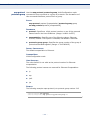
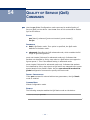
PARAMETERS
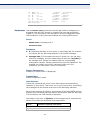
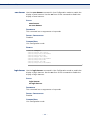
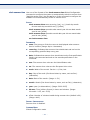
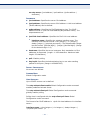
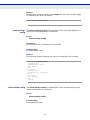
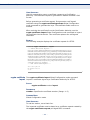
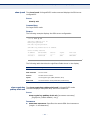
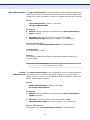
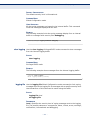
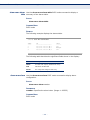
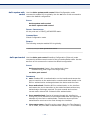
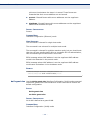
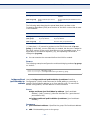
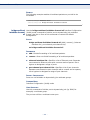
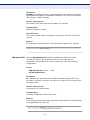
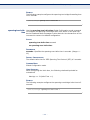
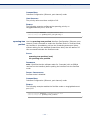
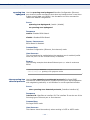
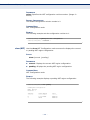
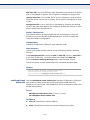
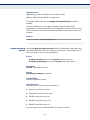
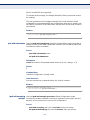
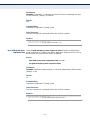
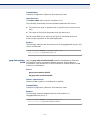
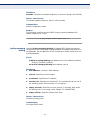
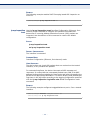
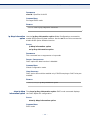
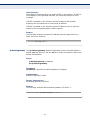
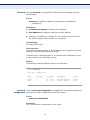
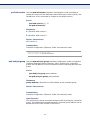
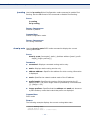
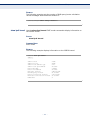
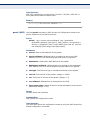
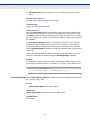
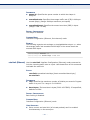
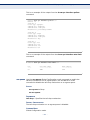
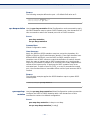
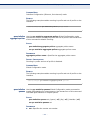
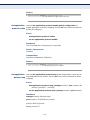
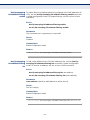
class-map-name—Specifies the name of the class map to be displayed.
COMMAND MODE
EXEC mode
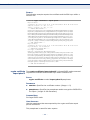
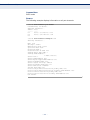
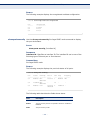
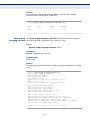
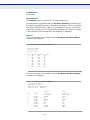
EXAMPLE
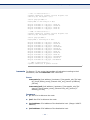
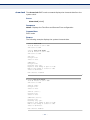
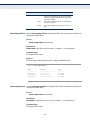
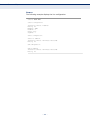
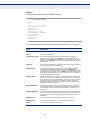
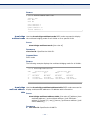
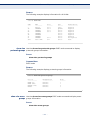
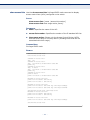
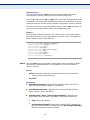
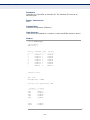
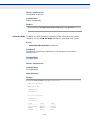
The following example displays the class map for Class1.
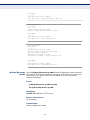
Console> show class-map class1
Class Map match-any class1 (id4)
Match Ip dscp 11 21
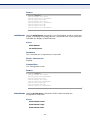
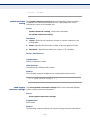
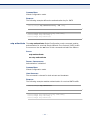
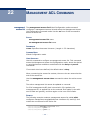
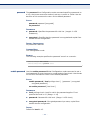
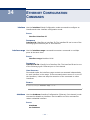
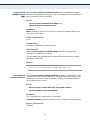
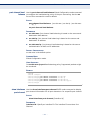
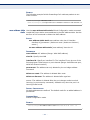
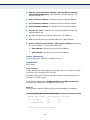
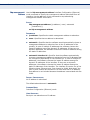
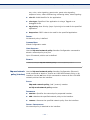
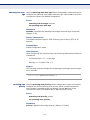
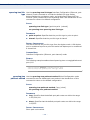
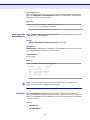
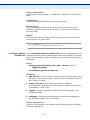
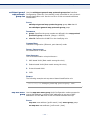
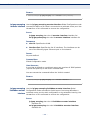
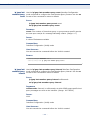
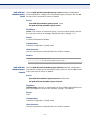
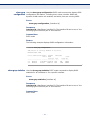
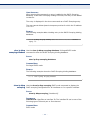
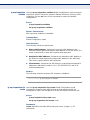
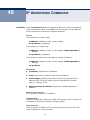
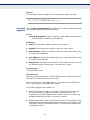
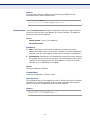
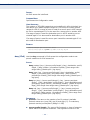
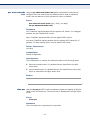
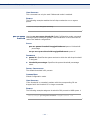
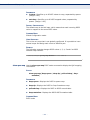
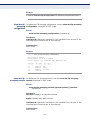
match Use the match Class-map Configuration mode command to define the
match criteria for classifying traffic. Use the no form of this command to
delete the match criteria.
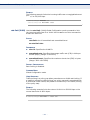
SYNTAX
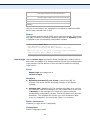
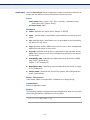
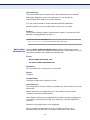
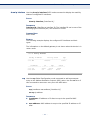
match access-group acl-name
no match access-group acl-name
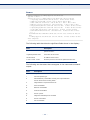
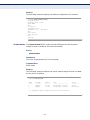
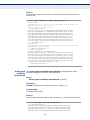
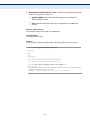
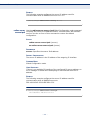
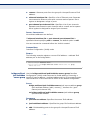
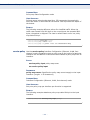
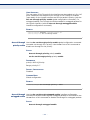
PARAMETERS
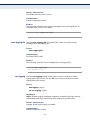
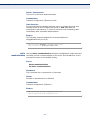
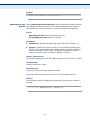
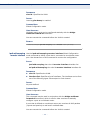
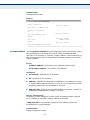
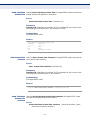
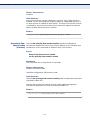
acl-name—Specifies the MAC or IP Access Control List (ACL) name.
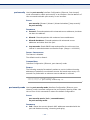
DEFAULT CONFIGURATION
No match criterion is supported.
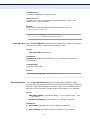
COMMAND MODE
Class-map Configuration mode.
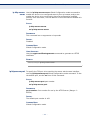
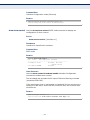
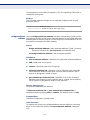
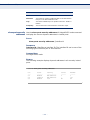
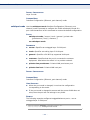
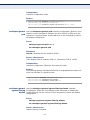
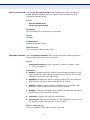
EXAMPLE
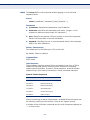
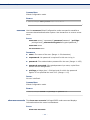
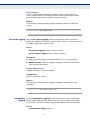
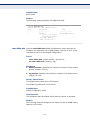
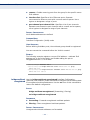
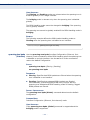
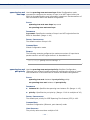
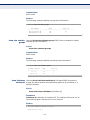
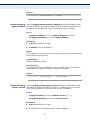
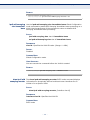
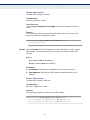
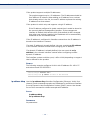
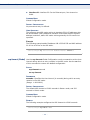
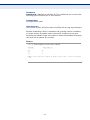
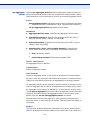
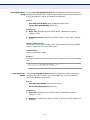
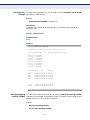
The following example defines the match criterion for classifying traffic as
an access group called Enterprise in a class map called Class1.
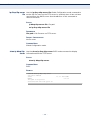
Console(config)# class-map class1
Console(config-cmap)# match access-group enterprise
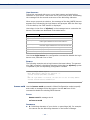
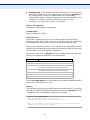
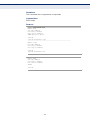
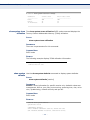
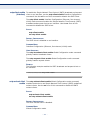
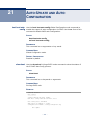
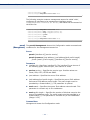
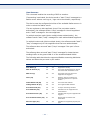
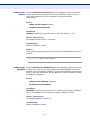
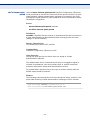
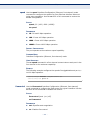
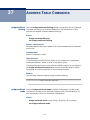
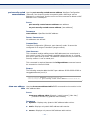
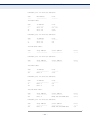
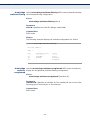
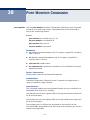
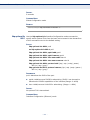
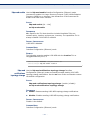
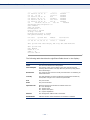
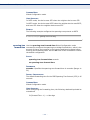
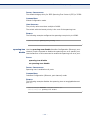
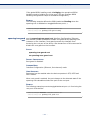
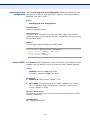
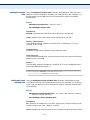
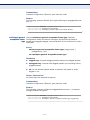
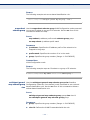
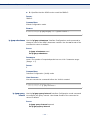
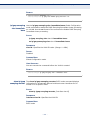
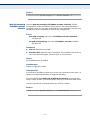
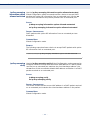
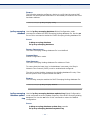
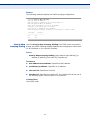
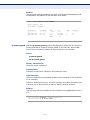
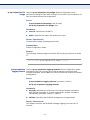
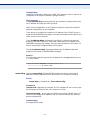
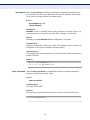
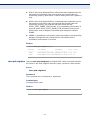
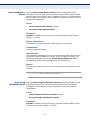
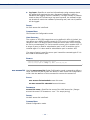
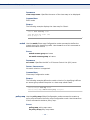
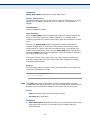
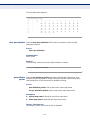
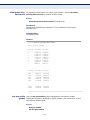
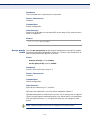
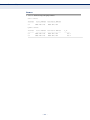
policy-map Use the policy-map Global Configuration mode command to creates a
policy map and enter the Policy-map Configuration mode. Use the no form
of this command to delete a policy map.
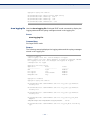
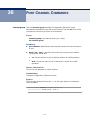
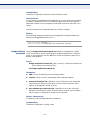
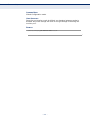
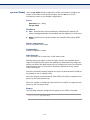
SYNTAX
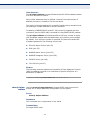
policy-map policy-map-name
no policy-map policy-map-name
– 798 –