1
CHAPTER 14 | Configuring DCE
Cut-Through
CUT-THROUGH
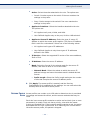
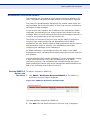
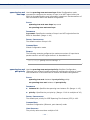
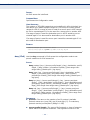
In cut-through switching the switch starts forwarding a frame before the
whole frame has been received, normally as soon as the destination
address is processed.
Cut-through reduces latency through the switch.
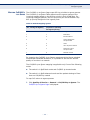
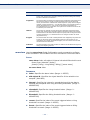
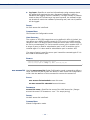
LIMITATIONS AND The disadvantage of Cut-through are:
INTERACTIONS WITH
OTHER FEATURES ◆ The FCS of the frame is not checked prior to transmitting the packet.
◆
Cut-through switching can only be used where the speed of the
outgoing interface is less than or equal to the incoming interface speed.
◆
The packet size is unknown at the time of deciding whether to transmit
the packet
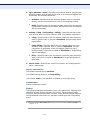
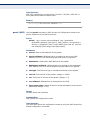
The following limitations should be considered:
◆
PFC, QCN and Shaping cannot be enabled if there is at least one port
that is configured for Cut-through.
◆
Cut-through cannot be enabled for a port if PFC or QCN or Shaping is
enabled.
◆
Policing and Rate-Limiting for a port cannot be enabled if the port is
configured for Cut-through.
◆
Cut-through for a port cannot be enabled if a policer or rate-limiter is
enabled for that port.
◆
In case jumbo frame forwarding is disabled and Cut Through is
enabled, Jumbo frames are forwarded, but the device marks the CRC as
bad.
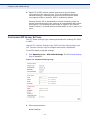
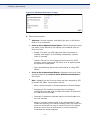
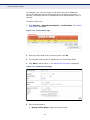
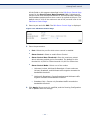
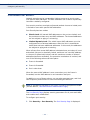
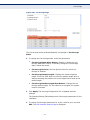
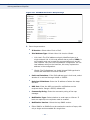
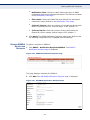
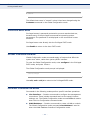
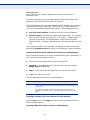
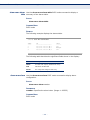
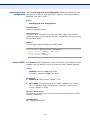
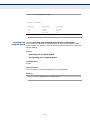
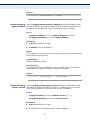
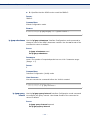
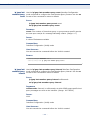
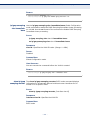
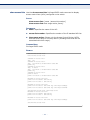
CONFIGURING CUT- To configure cut-through:
THROUGH
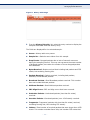
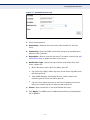
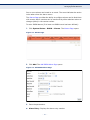
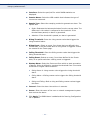
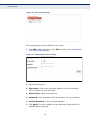
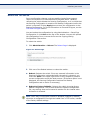
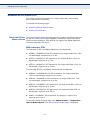
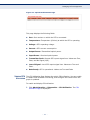
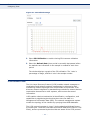
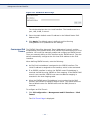
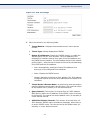
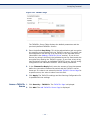
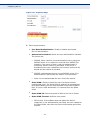
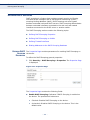
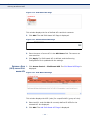
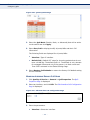
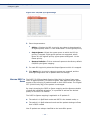
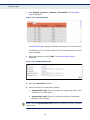
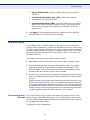
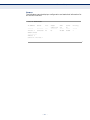
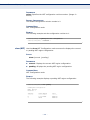
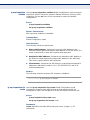
1. Click DCE > Cut-through in the tree view to display the Cut-through
Page.
– 330 –