1
Main Keystroke Screen
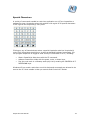
When Keystroke first starts you will be presented with the main Keystrokes screen:
This screen is where most of your time will be spent using Keystroke where you will
define the keyboard commands required to trigger your application running on a PC.
Keystroke has two drop down menus: File and Help. The File menu contains
functions to save your work, open an existing Keystroke file, and exit the program.
The Help menu contains the help system.
Keystroke User Manual
8