1
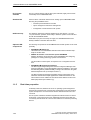
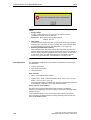
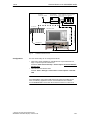
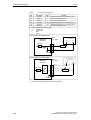
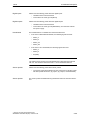
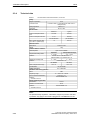
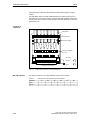
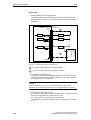
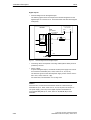
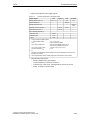
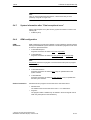
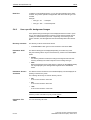
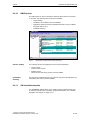
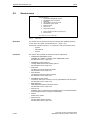
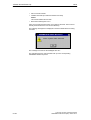
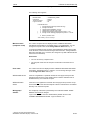
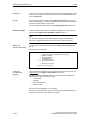
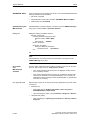
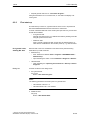
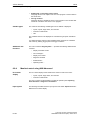
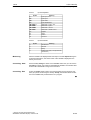
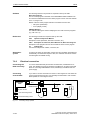
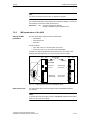
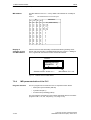
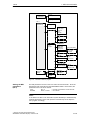
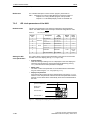
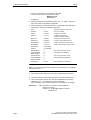
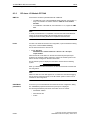
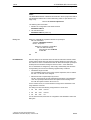
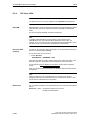
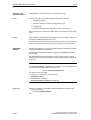
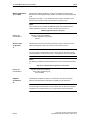
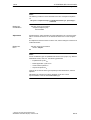
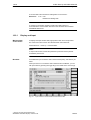
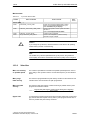
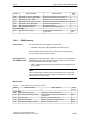
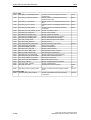
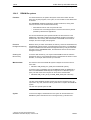
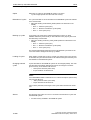
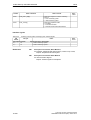
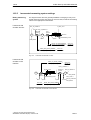
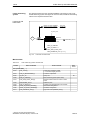
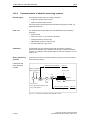
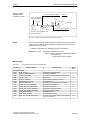
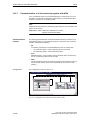
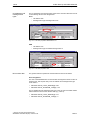
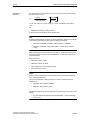
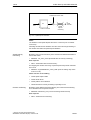
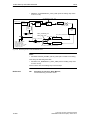
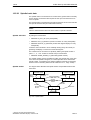
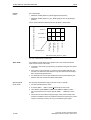
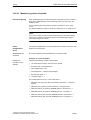
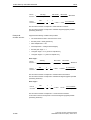
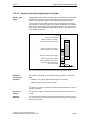
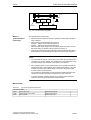
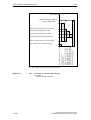
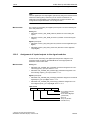
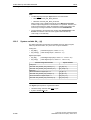
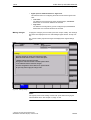
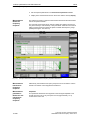
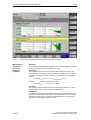
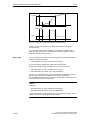
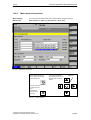
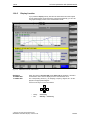
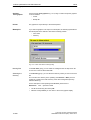
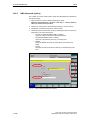
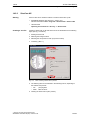
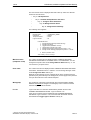
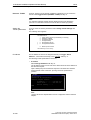
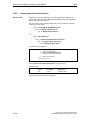
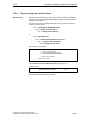
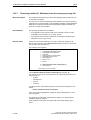
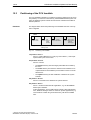
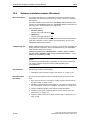
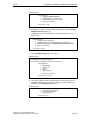
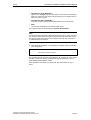
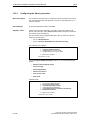
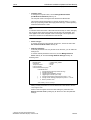
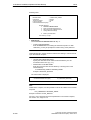
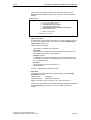
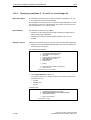
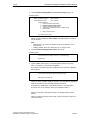
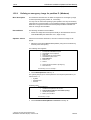
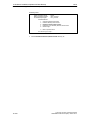
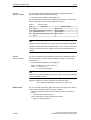
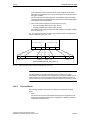
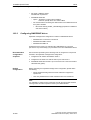
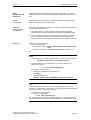
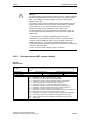
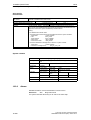
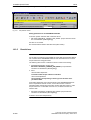
13 Drive optimization with HMI Advanced 13.6 Trace function 03.04 Soft key: Axis + Axis – To select the axis/spindle, position the cursor on the appropriate ”Axis/spindle name” list field. Soft key: Start Stop With the Start soft key, trace function recording is started. Soft key: Physical Address Within the framework of the trace function, it is also possible to select data using its physical address. You can also select the axis/spindle directly in the list box from the dropdown list using the cursor. With the Stop or RESET soft key, you can cancel a running measurement. Fig. 13-10 Menu: Physical address for trace x To do so, proceed as follows: – Choose the signal type Physical address from the desired trace. – Press the soft key Physical address. – Enter the desired values in the input screen form. – Press the soft keys OK to complete your input. Notice This function is only required in exceptional cases, for example, if the information provided by the known signals (see Signal selection list field) is not adequate. Before using this function, you should contact the SINUMERIK hotline. The input of all parameters is carried out in the hexadecimal number format. Input field: Screen form This screen form is used to select the data format to be evaluated when recording. – Byte: 0000 00FF – Word: 0000 FFFF – Double word: FFFF FFFF Siemens AG 2004 All Rights Reserved SINUMERIK 840Di Manual (HBI) – Edition 03.04 13-391