1
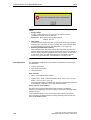
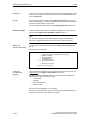
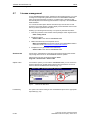
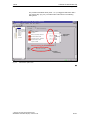
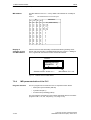
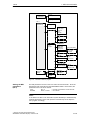
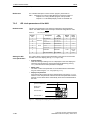
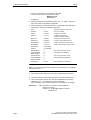
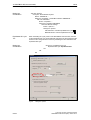
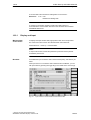
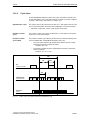
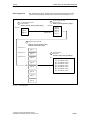
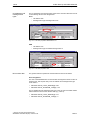
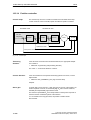
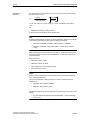
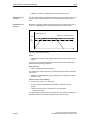
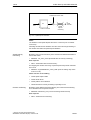
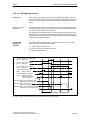
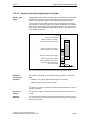
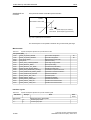
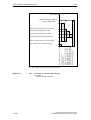
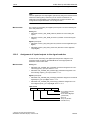
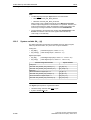
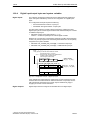
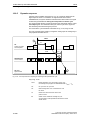
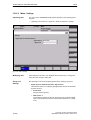
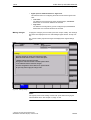
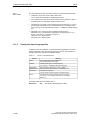
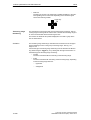
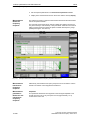
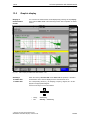
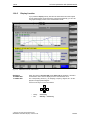
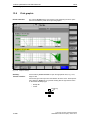
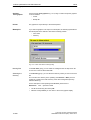
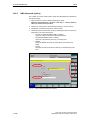
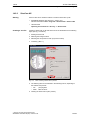
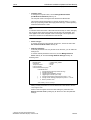
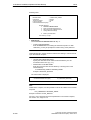
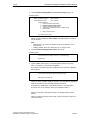
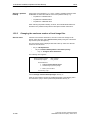
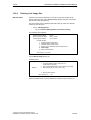
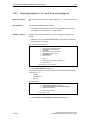
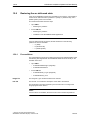
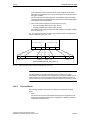
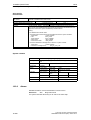
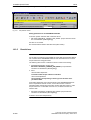
13 Drive optimization with HMI Advanced 13.8 Print graphic 13.8 03.04 Print graphic Printer selection The soft key Graphics in the main screens of the measuring functions opens the menu to select the printer and to print the graphics. Fig. 13-14 Graphics soft keys Soft key: Printer selection Use the soft key Printer selection to open the appropriate menu, Fig. 13-15, Page 13-399. Choose the type of file output from the selection list of the menu ”Select printer” using either the Toggle key or by double–clicking with the right mouse button on the desired file output type: – Bitmap file – Printer Toggle key 13-398 Siemens AG 2004 All Rights Reserved SINUMERIK 840Di Manual (HBI) – Edition 03.04