1
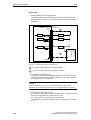
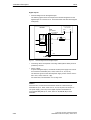
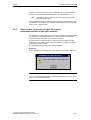
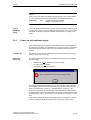
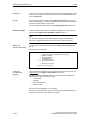
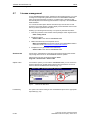
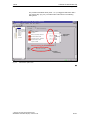
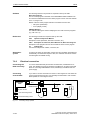
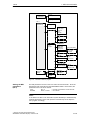
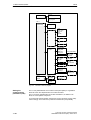
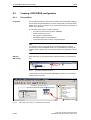
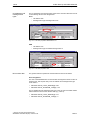
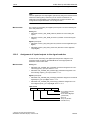
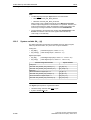
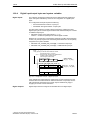
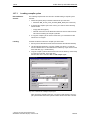
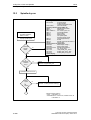
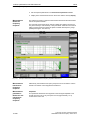
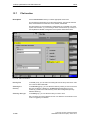
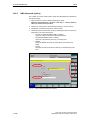
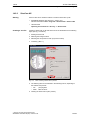
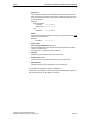
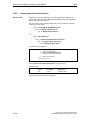
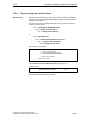
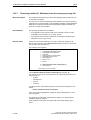
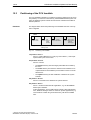
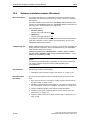
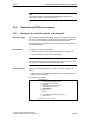
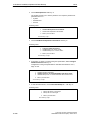
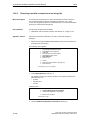
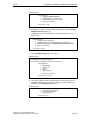
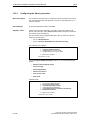
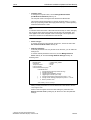
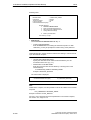
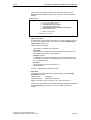
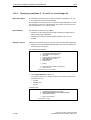
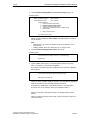
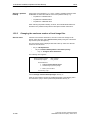
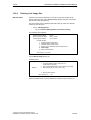
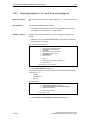
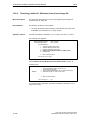
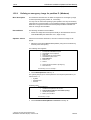
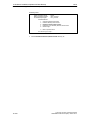
6 PLC Start-Up 6.7 Loading the configuration 6.7 Loading the configuration 6.7.1 Preconditions 03.04 For loading the configuration into the PLC, the following prerequisites must be fulfilled: An MPI connection exists between STEP 7 and the PLC. The configuration to be loaded corresponds to the actual station configuration. SINUMERIK 840Di is active: 6.7.2 – NC is in cyclic mode – PLC in RUN or STOP status Loading the configuration Note You are recommended to check consistency of the configuration before loading it. Supplementary condition The following supplementary conditions regarding the system data blocks are observed when the configuration is loaded: – SIMATIC Manager When loading the configuration via the SIMATIC manager all the system data blocks are loaded into the module. – HW-Config When loading the configuration via HW-Config, only the system data blocks generated by HW-Config during compilation of the configuration are loaded into the module. System data block SDB210 of the MPI configuration is therefore not additionally loaded. First loading As part of the MPI configuration, system data block SDB210 has also been loaded into the block directory of the PLC. Because of the supplementary conditions stated above system data block SDB210 is only loaded into the PLC if it is loaded with the SIMATIC Manager. When the configuration is loaded into the PLC for the first time, it must be loaded from the SIMATIC Manager. Notice When loading the configuration into the PLC, the system data block of MPI configuration SDB210 is only loaded with the SIMATIC Manager, not with HW-Config. 6-150 Siemens AG 2004 All Rights Reserved SINUMERIK 840Di Manual (HBI) – Edition 03.04